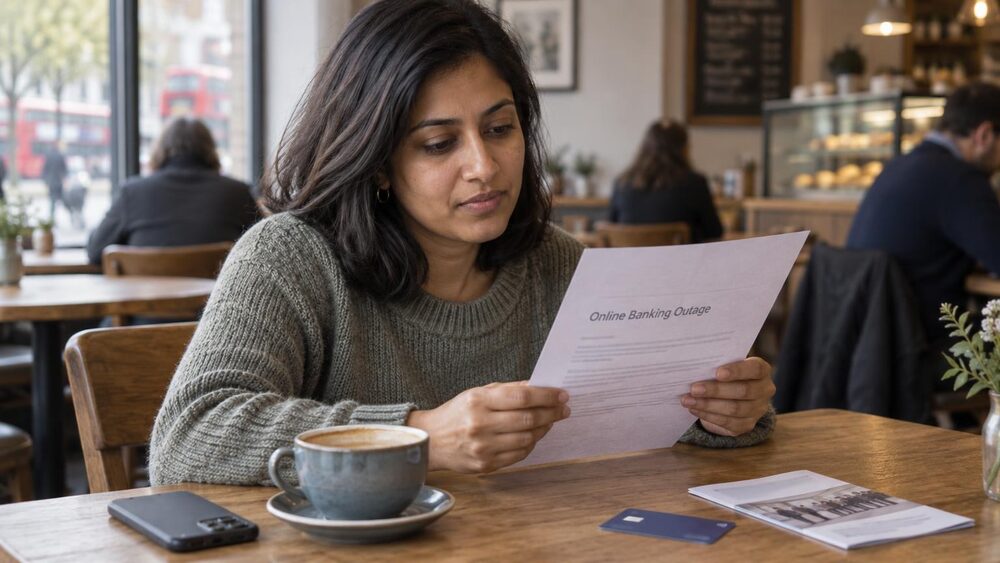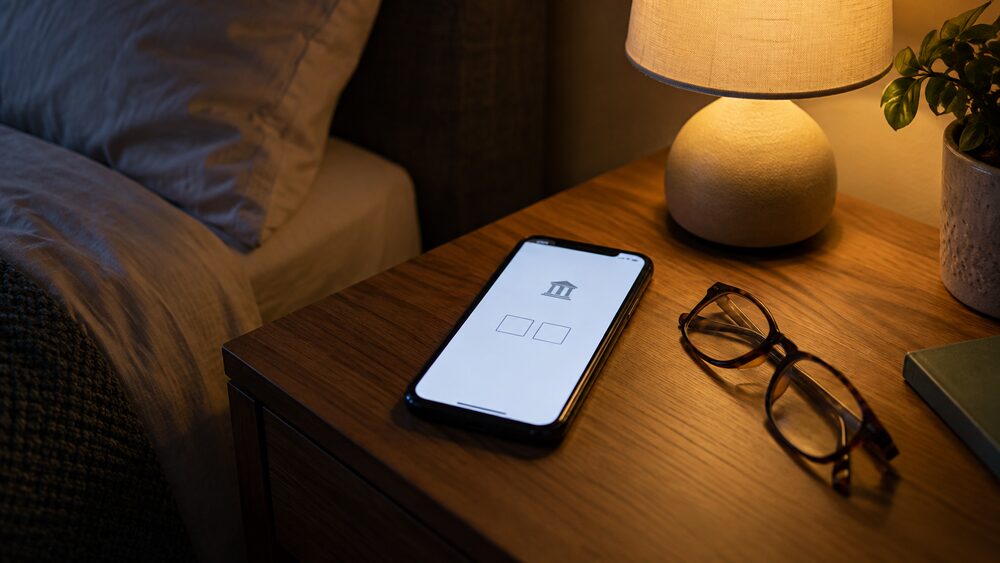
A mobile banking app is the smartphone or tablet version of your bank account: once you have set up online banking, you download your bank's app and use it to check your balance, send payments, pay in cheques and manage your cards1. Most banks now have their own app, found in the Google Play Store for Android devices and the App Store for Apple devices1. Online banking through a web browser offers much the same, and the two usually share one set of login details.
The app is where much of the day-to-day control of an account now happens. Barclays says its app can be used to send money abroad to a choice of over 35 countries, to pay cheques into a current account, and to earn cashback on shopping at participating retailers2. Lloyds says its app has 10 million users and that having the app is a condition of its Rewards scheme3. Money sent by Faster Payments through an app normally reaches the recipient's account within 2 hours, and sometimes immediately5.
The trade-off for that convenience is security. Logging in, making a payment or adding a new payee triggers extra checks, called Strong Customer Authentication, designed to prove it is really you6. Criminals know this and have built scams around those very checks, so this page explains how the checks work, what the warning signs look like, and what to do if you are locked out or something goes wrong.
What a banking app and online banking can do
A banking app is best thought of as a branch in your pocket, covering most of what a branch counter used to do. The core jobs are checking your balance and recent transactions, sending money to other people and organisations, and managing Direct Debits and standing orders. Beyond that, the apps have grown into the main way banks deliver services: Barclays lists paying in cheques by photographing them, sending money abroad to over 35 countries, and cashback at participating retailers among its app features2. Lloyds makes having the mobile app a requirement of its Rewards scheme, and reports 10 million app users3.
Payments from the app run on the same systems as payments from any other channel. Money sent using Faster Payments through online banking on a smartphone app will reach the recipient's account within 2 hours, and sometimes it is received immediately5. That speed is convenient, but it also means a payment to a fraudster leaves your account quickly, which is why the security checks described later in this page exist. The app is also where you manage your cards: freezing a misplaced card, reporting one lost or stolen, and adding a card to Apple Pay or Google Pay are all done from the same screen in most apps13.
Apps are useful away from home too. Barclays points out that you can report a card lost or stolen in your app while travelling, so a replacement could be waiting when you get home15. Some features vary by bank and by account type, so the app's own help section is the place to check what your bank offers.
Who can use a banking app: 16 or over for full access
Age limits for banking apps are set by each bank, and they are not all the same. Barclays states you must be 16 or over to use its app7. For younger children, Barclays offers a limited version: if you are 11 to 15 years old you can use the app, but you will not be able to make any payments8. Some products carry a higher bar, and this is where the rules can look contradictory: Barclays says you need to be 18 or over to access its main Bank Account using the app, and the same 18-or-over requirement appears on its instant access savings16. So someone in their mid-teens can hold the app itself, but not every account behind it.
Independent guidance fills the gap for under 16s more generally: get your parent or guardian's permission if you are under 1617. In practice, children's accounts are usually opened by a parent, who then decides whether the child has app access and what the app allows. Accounts for children and teenagers have their own rules on what can be paid and when control passes to the child, covered in more detail on the children's bank accounts page.
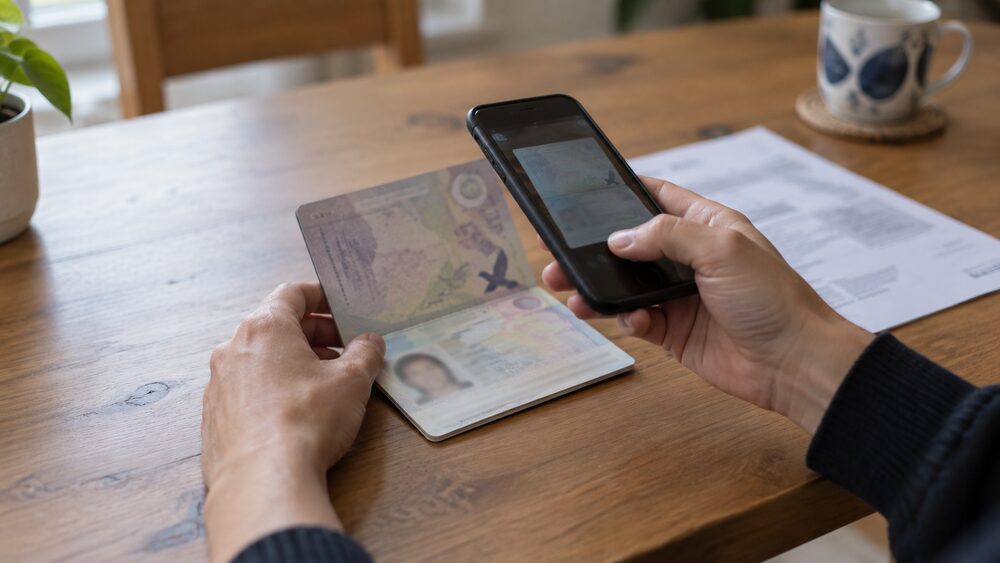
If you are opening an account for yourself, the age requirement is one of several eligibility conditions, alongside ID and address checks. The process, and what to do if a bank refuses you, is explained in how to open a current account.
Which phones work, and what it costs
Banking apps are smartphone and tablet apps, downloaded from the Google Play Store on Android devices and the App Store on Apple devices1. You normally need to have set up online banking first, then download the app and log in with the details you were given. Because apps rely on up-to-date software for their security features, a phone that can no longer receive operating system updates may eventually be unable to run the current version of the app.
The app itself is free. Lloyds states that mobile banking is available to its online banking customers, that it does not charge for internet banking, but that your mobile phone provider may charge for some services12. In practice that means data use under your phone contract, or call charges if a bank asks you to phone. What you do in the app can still cost money, for example overdraft charges or fees for international payments, but those are charges for the banking product, not for the app, and they are the same however you bank. The current account fees and charges page covers those.
One warning applies before you download anything: there are a lot of fake banking apps available, so check you are downloading your bank or building society's genuine app via their website1. A fake app can capture your login details directly. Going to your bank's own website and following its download link is the safe route.
Strong Customer Authentication: the extra check to prove it's you
When you log in, make a payment or add someone new as a payee, your bank runs an extra check to prove it is really you. Lloyds describes the effect from the customer's side: it means more protection when you are shopping and banking online, with extra checks to prove it is really you and help keep you safer from online fraud6. The formal name is Strong Customer Authentication, usually shortened to SCA.
The rule behind it comes from the Payment Services Regulations 2017. The legislation defines strong customer authentication as "authentication based on the use of two or more elements that are independent"9, drawn from three categories: something only you know, something only you have, and something only you are. In practice, your bank or card issuer will check your identity using two of three possible methods18. A typical combination is your password or passcode (knowledge) plus a code sent to your phone or generated in the app (possession), or a fingerprint or face scan (inherence) instead of one of them.
The regulator expects banks to have authentication procedures for verifying the identity of the banking customer or the validity of use of a payment instrument, proportionate to the risks involved, and says firms may consider adoption of strong customer authentication as defined in the Payment Services Regulations19. In plain terms, the checks should be stronger where the risk is higher, which is why adding a new payee or making an unusual payment often triggers more steps than a routine login.
The check is not a nuisance to be worked around, and that is the single most important thing to understand about it. A code sent to your phone proves the payment is being made by someone holding your phone, not that it is being made by you with your consent. If someone has persuaded you to read out a code, the check has done its job from the bank's point of view while failing you completely. That is why the next section matters.
Scam warning signs during security checks
Criminals have built scams specifically around authentication, because the checks create a moment when you are expecting to receive a code or approve a prompt. Which? has reported fraudsters exploiting new online security checks with phishing attacks, precisely because people are now used to being asked for verification18. The defence is knowing what a genuine check never asks for.
The Take Five to Stop Fraud campaign sets out the test: it is likely to be a scam if an unexpected call or message asks you to react urgently, give personal information, give bank details, give debit or credit card details, or confirm passwords to your bank account20. Government guidance adds a wider checklist: it could be a scam if it pressures you into making a decision, sets a short deadline, is threatening, is unexpected, asks for personal information like bank details, tells you to transfer money, says you have to pay to apply for something, says you have unclaimed credits, or offers a discount, refund, rebate or grant21.
The warning signs recur across different types of scam:
- Inaccurate spelling and wording, a sense of urgency, being asked for bank details or passwords and told not to tell anyone, and an unfamiliar email address22
- Requests for personal information or bank details in an email23
- A seller who asks for payment by bank transfer instead of a secure payment method, common in ticket scams24
- Messages saying your card was added to a new device, which can signal digital wallet fraud25
- Texts, emails or calls claiming a payment has been blocked, bank details need updating, or an account will be closed unless you act immediately, the pattern seen in Student Loans Company scams26
Some signs show up only in your banking records. The information commissioner's guidance on identity theft lists items you do not recognise appearing on your bank or credit card statement as a warning sign27. That is a reason to open the app and read the alerts rather than dismiss them, and to check statements regularly even when nothing appears wrong.
Using the app to check a call from your bank is genuine
Because scammers impersonate banks, the safest habit is to treat any unexpected call claiming to be from your bank as unverified, and to check it through a channel you control. National Debtline's guidance is specific: if you receive a call claiming to be from your bank and you are unsure whether it is genuine, call 159 if your bank is signed up to the 159 service, and otherwise wait at least 15 minutes before calling back or use another phone11. The 15-minute wait matters because a fraudster can stay on the line after you hang up, so picking up the same handset to "call the bank" can connect you straight back to them.
Some banks offer a way to verify the caller through the app itself. If you are with Barclays, you can ask callers claiming to be from the bank to send a secure notification to your Barclays app to make sure they are genuine28. A caller who really is from the bank can do this; a fraudster cannot, and will find a reason to refuse. Asking for that notification costs nothing and exposes an impersonation immediately.
The app also helps you verify the bank's own messages. Push notifications for card spending and bank transfers can typically be switched on in the app settings, so you know when your card has been used29. If a text says a payment was made and no alert appears in the app, the text is suspect. The same logic applies in reverse: an alert you did receive is real evidence from the bank, and worth acting on. More on scams and how they work is on the scams and fraud page.
Fraud alerts and freezing your card in the app
The app is the fastest place to act when something looks wrong with your card. Most banks let you freeze a lost or stolen card via the app, though the Co-operative Bank is a notable exception30. Barclays says that if your card is misplaced but not lost or stolen, you can use its app to freeze it temporarily to protect your money14. Metro Bank similarly lets you block a misplaced card temporarily on its mobile app31. A freeze or temporary block stops spending but keeps the card, so it suits the case where the card is down the back of a sofa rather than in a thief's pocket.
If the card really has gone, report it. Lloyds says customers registered for internet banking or its mobile app can report a card lost or stolen online, and the existing card is cancelled straight away32. Barclays app users can report a card lost or stolen in the app, so a replacement could be waiting when they get home33. Reporting quickly matters for more than convenience: if you have lost money or spotted an unauthorised transaction, contact your bank immediately. Your rights to a refund on unauthorised payments, and the time limits, are covered on the unauthorised payments page.
Alerts are the early-warning side of the same system. Take Five's advice on card fraud is to set up bank alerts in your app so you know when your card has been used34, and the same advice appears for digital wallet fraud25. With alerts on, a fraudulent transaction in a shop or online tells you within moments, and you can freeze or cancel the card before further spending. Without them, the first you know may be when a statement arrives.
Adding your card to Apple Pay or Google Pay
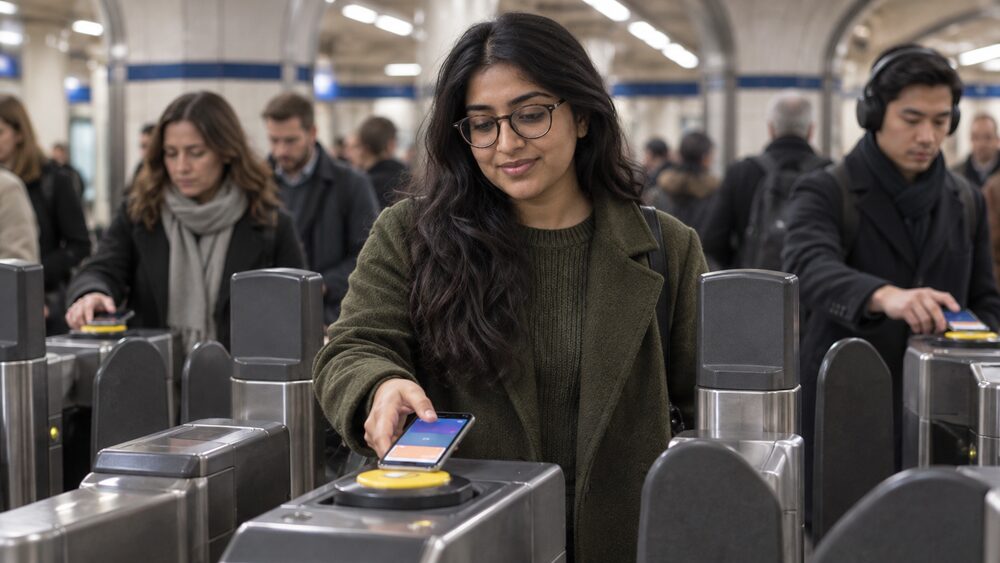
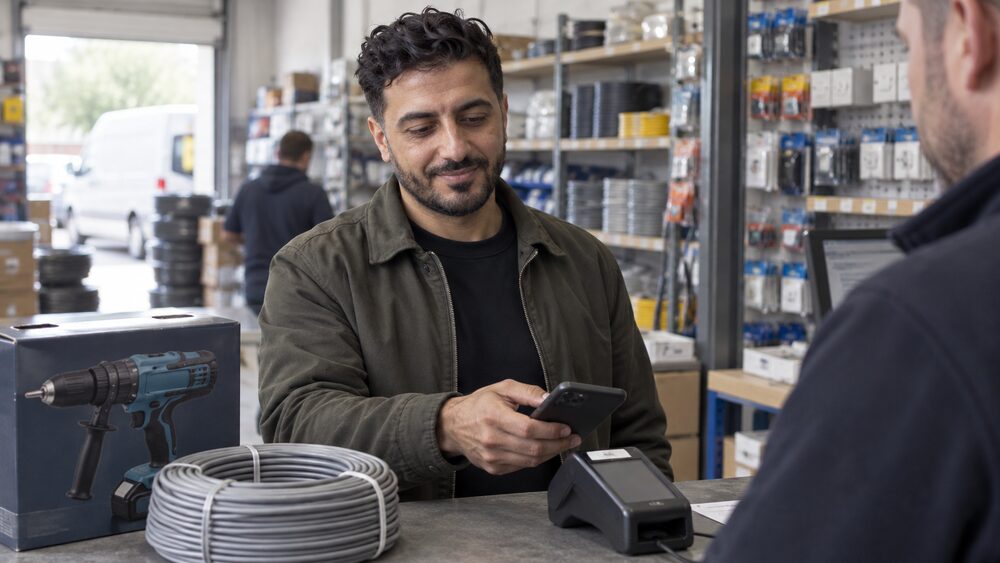
Apple Pay, Google Wallet and Samsung Pay are digital wallets: you upload your card details to a wallet on your phone or tablet, then tap your phone on a card reader to pay in shops, and pay on some websites and apps35. UK Finance notes that mobile wallet services linked to a debit or credit card, such as Apple Pay and Google Pay, have entered the market and provide further payment choices at checkout36. Most banking apps now include the setup as a card option.
The steps are similar across banks. Lloyds says to log in to the app, choose 'Cards' on the bottom right, then select 'Apple Pay' or 'Google Pay' and follow the steps13. Barclays works the same way: open 'Your cards', select your debit card, choose 'Add to Google Pay' and follow the step-by-step guide38. Lloyds says Apple Pay works with the majority of its debit and credit cards and that the app is the simplest way to set it up37, and its credit card guidance confirms cards can be added to compatible devices for both Apple Pay and Google Pay39. If you do not use the bank's app, Apple's own route is to open the pre-installed Wallet app and add the cards you want, using your phone's camera to capture the details41.
Two cautions apply. First, a message saying your card was added to a new device is a known fraud warning sign, so treat any such message you did not trigger as a reason to check the app immediately25. Second, fake "Apple Pay suspended" messages circulate widely and lead to phishing sites35. The wallet itself is covered in more detail on paying with Apple Pay, Google Pay and Samsung Pay, and the comparison with a physical card on debit card vs digital wallet.
Paying in cheques and moving money through the app
Paying in a cheque no longer needs a branch. You photograph the cheque in the app and the money is normally available quickly: Lloyds says money from a cheque paid in with its app will normally be in your account and ready to use by the end of the next working day10, and Barclays says app cheque deposits usually arrive the next working day2. That is faster than the general rule, under which cheques can take up to a week to clear33. The details of the cheque clearing process are on the cheque clearing times page.
Electronic payments through the app run to standard timescales. A Faster Payment sent through online banking on a smartphone app will reach the recipient's account within 2 hours, and sometimes immediately5. For comparison, NS&I's deposit rules state that an electronic transfer received by 18:30 on a banking day normally clears no later than the next banking day, while debit card and cheque deposits clear no later than the seventh banking day after receipt42. The receiving bank's rules, not the sending app, determine when money becomes usable.
International payments are also available in some apps: Barclays offers sending money abroad to a choice of over 35 countries2. Fees and exchange rates for these services vary and are shown before you confirm. The wider options for sending money, in the UK and abroad, are compared on the money transfers page, and how UK bank transfer systems differ is explained under Faster Payments, Bacs and CHAPS.
Locked out, or something has gone wrong
Being locked out of the app is usually the security system working as intended: too many wrong passcodes, a new device, or a failed check will each stop access until you prove who you are. Barclays has a help page for online banking problems covering this situation, and confirms the app is for customers 16 or over7. Recovery normally means verifying your identity again, either in the app, online, or by calling the bank on the number printed on your card or its website. Never use a phone number from a text or email to unlock your account, because that is exactly the route a fraudster would offer.
If the problem is not your login but the bank's systems, or a payment that has gone astray, the same principles apply. If you have lost money or spotted an unauthorised transaction, contact your bank immediately. Keep records of what happened and what the bank said, because they form the basis of any complaint. If the bank rejects a complaint about a scam or an unauthorised payment, the case can be taken to the Financial Ombudsman Service. The specific steps for access problems are on what to do if you can't access online banking, and your refund rights are on the unauthorised payments page.
Sources42 cited
- Online banking guide Age UK, 2026-03-23
- Barclays app features Barclays, 2026
- Lloyds Bank mobile app rewards Lloyds Bank, 2026-09-27
- Lloyds Bank investing help and guidance Lloyds Bank, 2026-09-27
- Online money transfers guide Age UK, 2026-03-23
- Security checks explained Lloyds Bank, 2026-09-27
- Problems with online banking Barclays, 2026
- Impersonation scams Barclays, 2026
- Payment Services Regulations 2017 legislation.gov.uk, 2017-07-18
- Payment timescales Lloyds Bank, 2026-09-27
- Dealing with fraud National Debtline, 2026-09-25
- Google Pay setup Lloyds Bank, 2026-09-27
- Barclays app minimum age Barclays, 2026
- Card fraud Barclays, 2026
- Managing money abroad Barclays, 2026
- Barclays Bank Account Barclays, 2026
- Managing your own money Scope, 2025-08-18
- Fraudsters exploit new online security checks with phishing attacks Which?, 2019-09-03
- BCOBS 5.1.10BG FCA Handbook, 2018-12-19
- Thomas Cook refund calls and messages: scam or real deal Which?, 2019-09-25
- Staying safe from scammers GOV.UK, 2024-06-17
- Scams: what to look for FSCS, 2026-05-05
- Antivirus scam emails targeting your inbox Which?, 2024-09-25
- Ticket scams Take Five to Stop Fraud, 2026-09-26
- Digital wallet fraud Take Five to Stop Fraud, 2026-09-26
- Students urged to stop and think before you click GOV.UK, 2026-09-01
- Identity theft ICO, 2026-09-25
- Santander's new app blur feature Which?, 2025-08-28
- 4 fraud-proofing tips you can do right now Which?, 2024-04-24
- The 5 biggest banking security threats Which?, 2025-02-13
- Metro Bank fraud and security Metro Bank, 2026-09-25
- Using a credit card abroad Lloyds Bank, 2026-09-27
- Types of borrowing Metro Bank, 2026-09-25
- Card fraud protection Take Five to Stop Fraud, 2026-09-26
- Scamwatch: has my Apple Pay been suspended Which?, 2026-08-25
- UK Cash and Cash Machines 2025 UK Finance, 2026
- Apple Pay setup Lloyds Bank, 2026-09-27
- Google Pay at Barclays Barclays, 2026
- Tips for managing your credit card Lloyds Bank, 2026-09-27
- Welcome to your credit card Lloyds Bank, 2026-09-27
- What is Apple Pay Which?, 2026-03-05
- NS&I Junior ISA brochure NS&I, 2024-07-01
 MoneyHelperFree, impartial money and pensions guidance, set up by government
 FSCSProtects your money if a bank, insurer or investment firm fails
 Financial Ombudsman ServiceFree, independent help when a complaint about a firm is not put right
 Citizens AdviceFree advice on money, consumer and legal problems in England and Wales