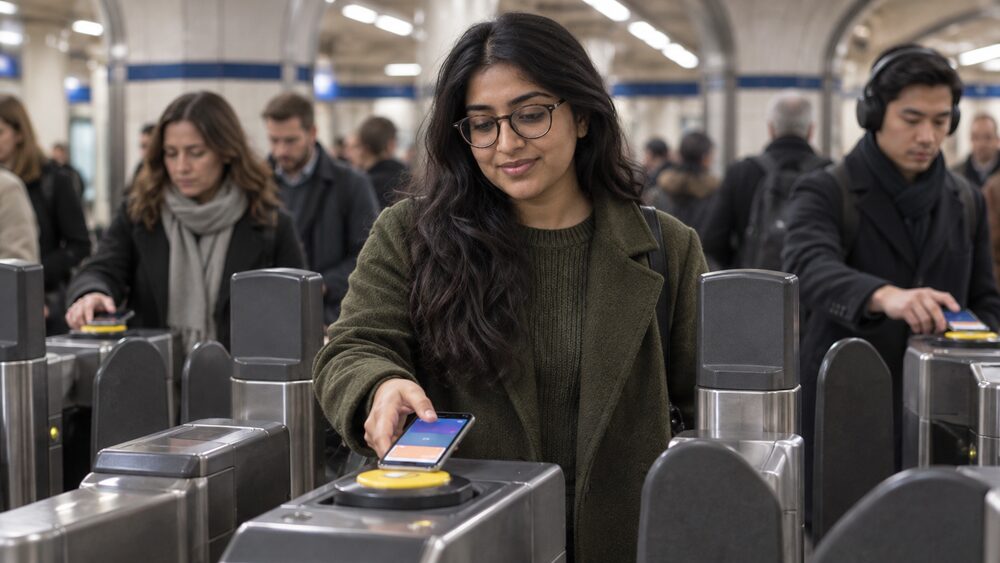
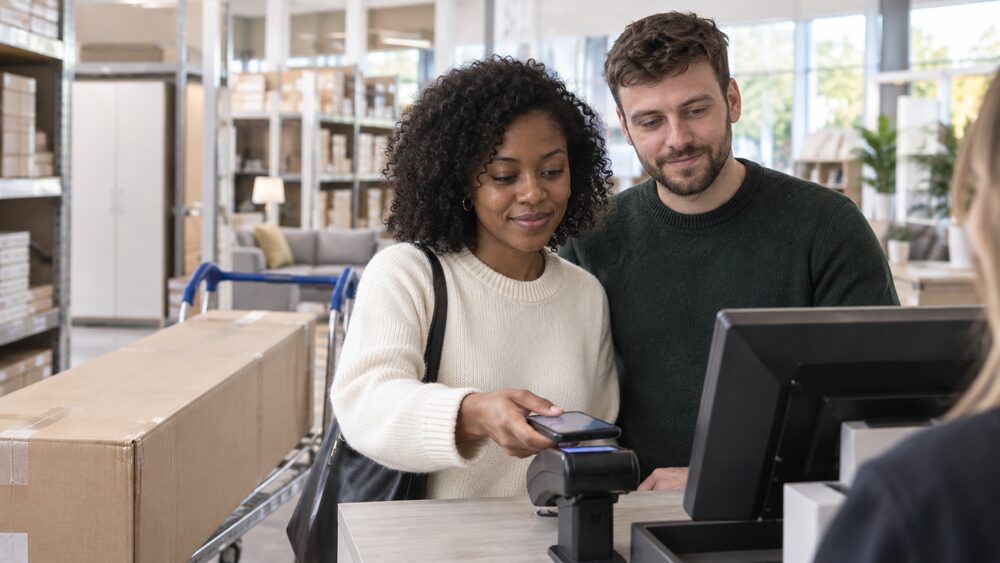
Apple Pay, Google Pay and Samsung Pay are digital wallets: apps built into, or added to, your phone that hold a copy of your bank card and let you pay by tapping the phone on a contactless reader instead of using the card itself. Apple Pay is a digital wallet that lets you pay for goods by moving your iPhone over a contactless reader, removing the need to carry the physical card1. Google Wallet, formerly known as Google Pay and Android Pay, is a similar mobile payments system that works on Android devices and some Android-based smartwatches1. Samsung Pay is a way to make mobile payments in-store that Visa states is accepted almost everywhere you can tap a contactless bank card2.
The wallet does not hold money and it is not a separate account. It links to the debit or credit card your bank or card issuer already gave you, and every payment comes off that card, and so off the current account behind it. Nearly all UK banks, building societies, credit card companies and prepaid card providers now support both Apple Pay and Google Wallet1, and the main practical difference from a contactless card is the spending limit: wallet payments can often go above the £100 contactless card limit, because the wallet proves who you are with a fingerprint, face scan or passcode rather than not proving it at all3.
How Apple Pay, Google Pay and Samsung Pay work with your bank card
A digital wallet sits between your bank account and the shop. When you add a card to Apple Pay, Google Pay or Samsung Pay, the wallet takes a secure copy of the card and then presents that copy, not the card itself, every time you tap. HSBC customers can add an HSBC card to Apple Pay, Google Pay and Samsung Pay5, and Lloyds Bank says its card details can be added to compatible devices to use Apple Pay and Google Pay6. The card keeps working normally at the same time: nothing about the card changes, and the wallet is simply another way to present it.
Because the wallet is tied to the card rather than the account, anything that happens to the card affects the wallet. If your bank stops the card, the wallet copy stops too, as HSBC explains for Google Pay: if your debit card is lost, your actual card will be stopped and you will not be able to continue to use Google Pay with that card; a new card must be registered with Google Pay again7. This is also why a wallet payment appears on your statement exactly like a card payment, with the same merchant name and the same rights if something goes wrong.
The three wallets differ mainly in which devices they run on. Apple Pay works on Apple devices, and to use it in stores, within apps and on the web using Safari you need a supported device8. Google Pay runs on Android phones, and first direct customers can use the Google Pay app to make payments using their phone9. Samsung Pay runs on Samsung devices. All three do the same job from the reader's point of view: the shop sees a contactless payment authorised by your card.
Nearly every UK bank and card provider supports them
When Apple Pay launched in the UK in July 2015 it already had the backing of most of the major banks, although Barclays was a late arrival1. Today, nearly all banks, building societies, credit card companies and prepaid card providers support both Apple Pay and Google Wallet in the UK1. Anyone with a compatible Apple device can use Apple Pay1.
Individual providers confirm the same picture. Google Pay is available to Bank of Ireland UK personal and business customers on all Android devices10, most HSBC UK credit and debit cards are eligible for Google Pay, subject to status7, and C. Hoare & Co cards can be enabled for use with Apple Pay and Google Pay11. Even accounts aimed at young people include it: Ulster Bank's Adapt account comes with a contactless debit card and Google and Apple Pay to make payments on your phone12, and Royal Bank of Scotland's Reward account offers Apple Pay, Google Pay or a contactless debit card as ways to pay13.
The practical point for a reader is that support is rarely the deciding factor between banks. If you have a mainstream UK current account or credit card, the odds are its cards work in all three wallets. The things that do vary are eligibility of particular cards (HSBC says most, not all, of its cards are eligible, subject to status7), the device you own, and any limits your own bank applies, covered below.
Adding your bank card: setup and verification steps
The setup process is short and similar across the three wallets. For Apple Pay on an iPhone, open the pre-installed Wallet app and add the payment cards you want to use on your device; you can use your phone's camera to capture the card details quickly1. On an iPad, go to Wallet & Apple Pay under Settings and tap Add Credit or Debit Card14. For Google Pay, download the app from the Play Store or check whether it is already installed, click + Payment method, and add your credit or debit card by taking a photo or entering your details manually14. For Samsung Pay, open the Samsung Pay app, download it from the app store if it is not installed, click Add, then Add credit or debit card14.
Many banks also let you add the card from inside their own app, which skips most of the typing. Barclays customers can log in to the Barclays app, open Your cards, select their debit card, select Add to Google Pay and follow the step-by-step guide15. Royal Bank of Scotland customers can tap on their current account or credit card in the app, depending which card they wish to set up Apple Pay on8.
Verification is the step that stops someone else adding your card to their phone. Royal Bank of Scotland customers can choose the bank's mobile app to verify their card, then tap Verify8. The bank is checking that the person adding the card is the cardholder, usually through a login to its own app, a one-time passcode, or a text message. Until the card is verified it cannot be used to pay.
Once added, the card sits in the wallet and can be managed there. Cards added to Apple Pay are stored in the digital wallet, and from the digital wallet you can delete, add or change the default card16. You can hold more than one card and choose which is the default that pays when you double-tap or tap to pay.
Where you can pay: shops, apps, websites and TfL
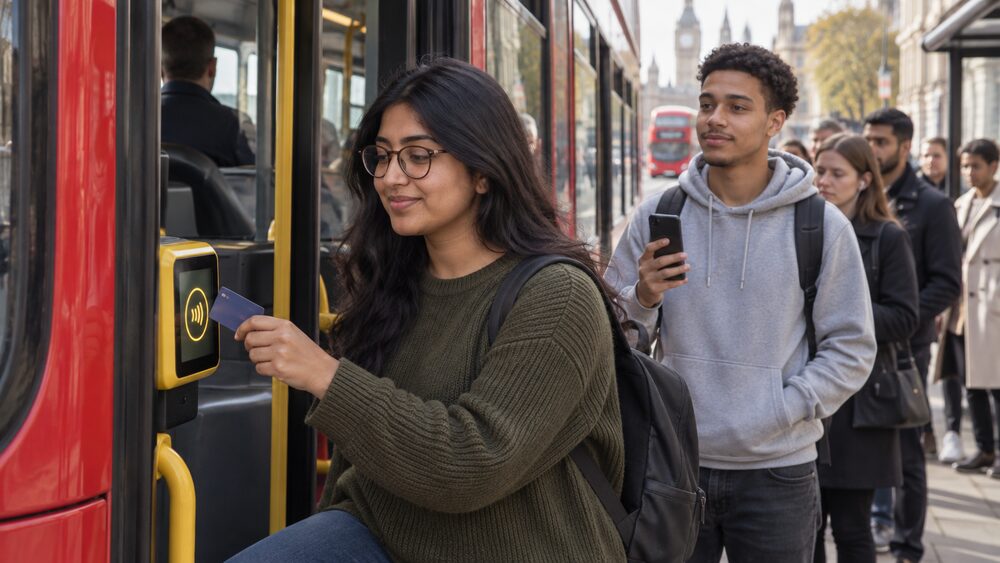
In a shop, the rule of thumb is simple: anywhere that takes contactless cards takes a phone wallet. Both Apple Pay and Google Wallet work on the Transport for London (TfL) network and at any shop that accepts contactless payments, including major retailers such as Boots, M&S, the Post Office, Starbucks and Waitrose1. Lloyds Bank states that all retailers who accept contactless payments will accept Google Pay, whether in the UK or overseas, though different transaction limits may apply by country17. Bank of Ireland UK says Apple Pay can be used wherever you see the Apple Pay logo or the contactless payment symbol18.
The wallets also work beyond the till. Apple Pay can be used in store, in apps, on websites and even on Transport for London8, and Metro Bank lists in-app purchases, web payments using Safari, and journeys with TfL as its supported uses19. Cumberland notes that the convenience of using Apple Pay in shops and within apps is also available on the web in Safari20. Google Pay can be used in stores, in apps and on websites that display the Google Pay and contactless logos21. Hampden Bank describes Apple Pay as a way to pay in-store, online and in your favourite apps22.
TfL deserves a note of its own, because it behaves differently from a normal shop payment. You can make Apple Pay payments on TfL in a similar way to using a contactless card, touching in and out without the need to use Face ID, Touch ID or the side button on your Apple Watch23. This is Express Mode: when travelling on Transport for London or with another travel provider that supports it, you can pay with a quick tap rather than authenticating each time24. That speed is why commuters set it up, and it is covered in the FAQ below.
Contactless limits: why phone payments can go higher
A contactless card payment has a legal-ish ceiling: £100 per transaction since 15 October 20213, a limit the Treasury confirmed in March 202125 after the contactless card limit rose to £45 in March 202026, itself an increase from £30 to £45 from 1 April 202027. The limit has climbed steadily: it rose to £15 in 201028.
Phone wallets sit outside that ceiling, because the reason for the ceiling is missing. A contactless card payment above the limit would be unauthenticated: nobody proves who they are. A wallet payment asks for a fingerprint, face scan or passcode, so the card limit does not apply in the same way. Apple Pay and Google Wallet users have always been able to exceed the contactless limit, where the retailer allows it1. Ulster Bank tells customers that if they use Apple Pay or Google Pay, they can make contactless payments even when it is over £100, though retailer limits may apply4. Barclays says you can now make payments for any amount with Apple Pay, though some retailers may set a contactless limit24. Lloyds Bank and Bank of Scotland both advertise Google Pay payments without the contactless card limit17, and Lloyds notes that contactless limits through digital wallet providers may be higher30.
In practice the retailer is the gatekeeper. Which? surveyed high street retailers in 2018 and found most accepted wallet payments above the then card limit: John Lewis, Waitrose, Ikea, Aldi, Morrisons, the Co-op, WHSmith and Screwfix all did, while Wilko did not, and Tesco at the time capped wallet payments at £3031. Pret allowed above-limit wallet payments only for linked Mastercard, Maestro or Amex cards, with Visa cards requiring chip and PIN over £3031. Card providers such as Visa, Mastercard or American Express can also impose a limit on the amount you can charge as a contactless transaction using your smartphone or smartwatch31.
Two further rules matter. First, if a payment is above the limit and the wallet cannot be used, UK Finance explains that the payment will default to a chip and PIN payment for the card, or, if available, payment via mobile phone3. Second, your own bank's settings can override the freedom: NatWest International tells customers that if they set their contactless limit below £100, that limit will also apply to contactless Apple Pay or Google Pay transactions32. The dedicated page on how much you can spend with Apple Pay or Google Pay and the page on the contactless payment limit cover the detail.
Tokens, encryption and biometrics: how your card details are protected
The security model of a phone wallet has three layers, and each one is doing a different job.
The first layer is what the wallet stores. When you add a card to any of these digital wallets, the details are encrypted and stored on your device, rather than on external servers31. With Apple Pay specifically, when you add a card its details are encrypted and stored only on your iPhone, not on Apple's servers1. Barclays says your card details will not be stored on your Apple device or sent to merchants, so your information stays private and secure24.
The second layer is what the shop sees. Apple replaces your card's details with something called a device account number, also called a token, which means the real information is never shared during purchases1. Ulster Bank puts it plainly: your card number is never stored on your device or on Apple servers, and when you pay, your card numbers are never shared by Apple with merchants33. Google Pay works the same way: it never shares your real card information, and when you tap to pay it sends a virtual account number to the retailer instead of your real card number15. This is why a data breach at a shop never exposes your actual card number to whoever takes the data.
The third layer is who can open the wallet. Phone passcodes and fingerprint recognition (Touch ID) or facial recognition (Face ID) add another layer of security, and on Apple Watch, wrist detection must be enabled1. Authorisation across the wallets requires a facial scan, fingerprint, PIN or a password31. This is the feature that lets wallet payments exceed the contactless card limit at all: the payment is authenticated in a way a bare contactless card tap is not.
Independent guidance adds that using a digital wallet such as Apple Pay, Google Pay, PayPal or Samsung Pay ensures your card details stay private when shopping online34. The same fraud protections apply as with the card itself: Royal Bank of Scotland states that provided you take appropriate care, it will offer you the same protection against fraud when you use Apple Pay as it does for its own debit and credit cards8. If money leaves your account without your permission, the rules on unauthorised payments and refunds apply, and the Financial Ombudsman Service can review a bank's refusal to refund.
Lost or stolen phone: how to stop payments
A lost phone is not the same emergency as a lost card, because the wallet is locked behind your passcode or biometrics. But it still needs acting on, and the actions are different for each wallet.
For an Apple device, you can go to your Apple ID account page or use the Find My app, which must be enabled beforehand, on an iPhone or iPad to suspend or permanently remove the ability to pay from that device with Apple Pay33. Barclaycard advises customers to use Find My iPhone to set the device in Lost Mode or wipe it completely, or to log in to iCloud.com and stop anyone from making payments with Apple Pay, or to call the bank and have it cancel the card35. Starling Bank customers can deactivate Apple Pay by placing their device in Lost Mode via Find My iPhone or by Removing All Cards on icloud.com, and can temporarily prevent unauthorised Apple Pay transactions by blocking their Starling card via webchat or email36.
For a Google device, use the Find My Device service1. M&S Bank customers can also stop the card via chat in the M&S Bank app or Online Banking, or by calling37. For Samsung Pay, Santander's terms say it is important to disable your cards using Samsung's Find My Mobile or to call the number given in its terms so that payments stop23.
Alongside the wallet steps, treat the underlying card. Royal Bank of Scotland advises customers to freeze their bank card and close any accounts, including Apple Pay and Google Pay accounts linked to the phone, to prevent unauthorised access38, and NatWest makes the same point in its fraud guidance39. The Take Five campaign, run with the banking industry, advises people to report the phone as stolen and freeze the card immediately, or use a friend's or family member's phone to call their bank, and notes that you can remotely wipe the data on Android and Apple phones so criminals cannot get hold of it40.
If the worst happens and payments are made, contact your bank immediately. Its fraud team can freeze the card across all wallets at once, and the refund rules for unauthorised transactions apply. Free help is available from MoneyHelper and the Take Five campaign on recognising scams40, and the site's guide to scams and fraud covers what to do next.
Click to Pay: a card-scheme checkout, not a phone wallet
A name that often gets confused with the phone wallets is Click to Pay. It is not an app on your phone and it does not involve tapping anything at a till. It is Visa's checkout service for online shopping: you look for the Click to Pay icon during checkout, enter your email address, confirm your identity, choose the card to use and complete the purchase42. At checkout you provide your email address or mobile number to find your linked Click to Pay cards42, and in addition to Visa cards you can save and use cards from Mastercard, Discover and American Express42.
Click to Pay is being brought into UK banks' own services: Barclays' Click to Pay launches from October 2026, with existing Visa Click to Pay profiles for Barclays Visa debit cards moving from Visa to Barclays43. For security, Visa may send a one-time passcode to your phone and email when you log into the consumer portal or use Click to Pay during checkout42.
You control whether you take part. You can manage, update or delete your Click to Pay profile or saved cards at any time at Visa's Click to Pay consumer portal; if your bank enrolled your cards on your behalf, usually indicated by the Click to Pay icon on your card, contact the bank for assistance, as details may be updated directly by the bank44. Timing and availability of certain features vary by market42. Like the phone wallets, it keeps your card details private at the checkout, but it is a separate system with a separate place to switch it off.
Sources44 cited
- What is Apple Pay? Which?, 2026-03-05
- Pay in store Visa
- Contactless limit change FAQs UK Finance
- Ways to pay Ulster Bank
- What is a digital wallet? HSBC UK
- Tips for managing your credit card Lloyds Bank
- Google Pay HSBC UK
- Set up Apple Pay Royal Bank of Scotland
- Ways to bank first direct
- Google Pay Bank of Ireland UK
- Current account C. Hoare & Co
- Savings accounts for young people Ulster Bank
- Reward account Royal Bank of Scotland
- How to make it easy to pay on the go Danske Bank
- Google Pay Barclays
- Apple Pay Help Clearpay
- Google Pay Lloyds Bank
- Apple Pay Bank of Ireland UK
- Where can I use Apple Pay? Metro Bank
- Apple Pay Cumberland Building Society
- Google Pay Barclays Private Bank
- Apple Pay Hampden Bank
- Pay with your phone: terms and conditions Santander
- Apple Pay Barclays
- Budget 2021: what you need to know Which?, 2021-03-03
- UK's cash infrastructure consumer research FCA
- Coronavirus: what it means for mortgages, savings, borrowing and benefits Which?, 2020-04-01
- Contactless £100 cap ending: how to protect yourself from fraud Which?
- Google Pay Bank of Scotland
- Contactless cards Lloyds Bank
- How much is the limit on Apple Pay at Tesco and high street retailers? Which?, 2018-12-14
- Manage your account NatWest International
- Set up Apple Pay Ulster Bank
- How to spot an online shopping scam Which?, 2026-08-03
- Apple Pay Barclaycard
- Apple Pay Starling Bank
- Google Pay M&S Bank
- Mobile security Royal Bank of Scotland
- Holiday scams NatWest
- Stolen mobile phone Take Five
- Why replacing your bank card might not stop scammers from spending your money Which?
- Visa Click to Pay Visa
- Click to Pay Barclays
- Click to Pay FAQ Visa

 MoneyHelperFree, impartial money and pensions guidance, set up by government
 FSCSProtects your money if a bank, insurer or investment firm fails
 Financial Ombudsman ServiceFree, independent help when a complaint about a firm is not put right
 Citizens AdviceFree advice on money, consumer and legal problems in England and Wales