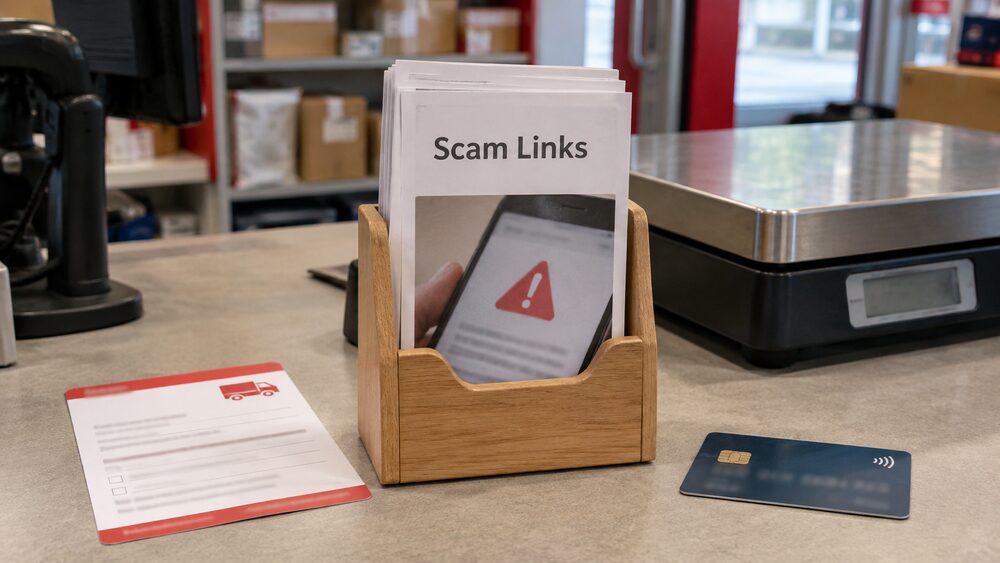
Clicking a link in a fake email or text is not the end of the story. Most people who do it lose nothing, because the link on its own does not hand over your money. What matters is what you did next: whether you typed in a password, card number or one-time code, and whether anything was downloaded onto your device.
Clicking a link in a fake email or text is not the end of the story. Most people who do it lose nothing, because the link on its own does not hand over your money. What matters is what you did next: whether you typed in a password, card number or one-time code, and whether anything was downloaded onto your device.
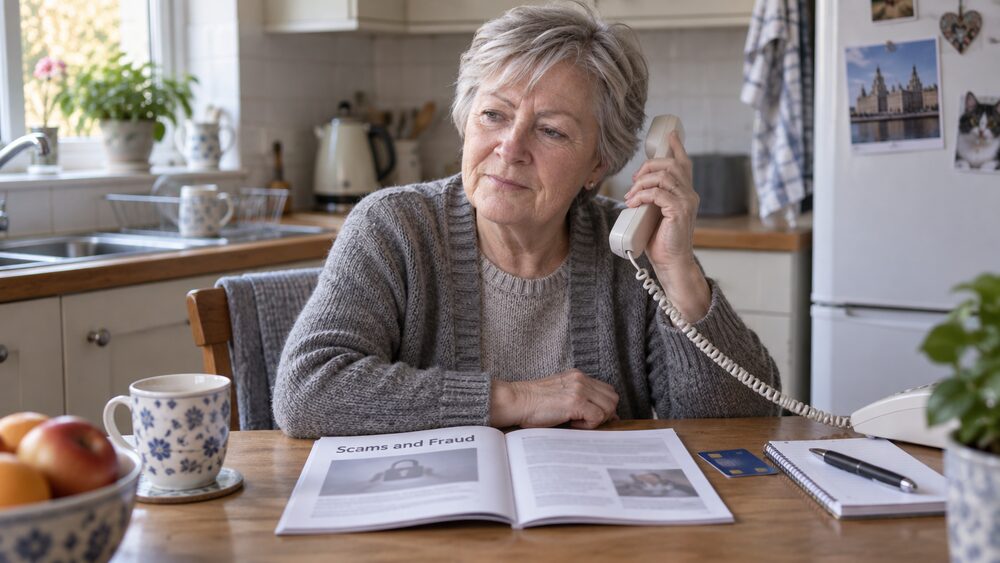
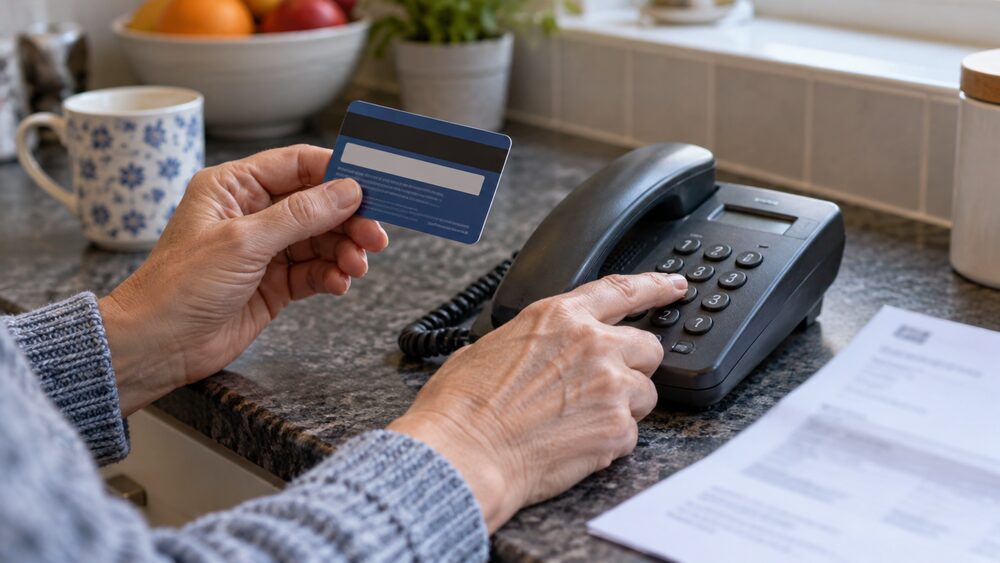
The first move is always the same. Contact your bank or payment services provider immediately if money or account details are involved, using a number you know is genuine rather than one from the message1. Then check your statements and your credit file for anything you do not recognise, and report the message so it can be investigated2.
First steps: contact your bank using a number you know is genuine
Speed matters more than anything else you do. The Financial Ombudsman Service's guidance for people caught by scams involving unauthorised payments and identity theft lists the immediate steps: contact your bank or payment services provider immediately, contact the police on 101, report the scam to Report Fraud, and keep records of all contact and correspondence between you and the scammer2. Take Five, the national anti-fraud campaign, gives the same first instruction: contact your bank immediately if money or account details are involved, and report it to the police at reportfraud.police.uk or on 0300 123 20401.
The reason to use a number you already have, rather than one in the message or on a website the message sent you to, is that scammers can mimic an official telephone number so the call appears to come from a legitimate organisation such as a bank or utility company8. If you are unsure whether a call is genuine, dial 159 to be connected safely to your bank, or 101 for the police4. There is more on this in how to check your bank is really contacting you and on the 159 number.
If you gave away card details rather than login details, the same first call applies. If you made a payment yourself, having been talked into it, the rules on refunds are different from those covering a payment you never authorised, and authorised and unauthorised payments explains how the two are treated. Paid a fraudster? What to do straight away sets out the full sequence.
Check your statements and credit file for signs of fraud
A phishing link that collected your login details can be used later, quietly. The Information Commissioner's Office advises requesting a copy of your credit file to check for any suspicious credit applications, and regularly checking your credit card and bank statements for suspicious activity while monitoring your credit report3. Experian's guidance on phishing says the same: check your bank account and credit card statements regularly for transactions you do not recognise, and check your credit file frequently for unrecognised accounts or unusual credit rejections9.
Checking your credit file is free, and StepChange notes you can do it for free to look for any credit taken out in your name fraudulently10. What you are looking for is anything you did not open: a new account, a credit search you did not trigger, or a rejection you cannot explain. Identity theft covers what to do if you find something.
If the message related to your pay rather than your bank, there is a separate check. Government guidance on payslip fraud says you can use your Personal Tax Account, the HMRC app, your National Insurance record, or your Student Loan repayment account if you have one, to check deductions11. And if a message offered you a loan, check you are using a legitimate loan provider by searching the FCA Firm Checker and using the contact details listed there, not the ones given to you12.
How to report a phishing email, text or call
Reporting is quick and it helps shut down the campaign for everyone else. Scam emails can be reported to report@phishing.gov.uk, which the National Cyber Security Centre will investigate5. Report Fraud passes phishing emails to the National Fraud Intelligence Bureau10. Phishing websites can be reported to the National Cyber Security Centre5.
If you use Gmail or Outlook, both have a built-in route. On Gmail, select the three dots on the right of the email address and press Report phishing13. On Outlook, select the three dots on the right of the email address and press Report, then Report phishing13. Outlook also allows you to forward the message, including the full message header, to abuse@outlook.com if the address is suspicious13.
For texts and calls, the reporting routes differ by nation and by type, and where to report a scam in England, Wales, Scotland and Northern Ireland sets them out. Forwarding suspicious texts to 7726 covers the free route for nuisance texts.
Malware: what a click can install on your device
Not every click installs something, but some do. Which? warns that clicking on links could lead you to download malware, malicious software that can take over your phone and access your data15. Handelsbanken's guidance on smishing is blunter: clicking on the link will then download a virus or malware onto your device16.
There is a second, related trick worth knowing about. A caller may tell you your device has a virus and that you need to download software to fix it, when the software is actually spyware8. If someone rings out of the blue about a virus on your device, that call is the scam. Should you let a caller access your computer? explains why remote access requests should be refused.
If you did download something, or your device is behaving oddly, the practical steps are to run up to date anti-virus software and to change passwords for accounts you accessed around that time, using a different device where you can. Setting strong, separate passwords for your accounts and using up to date anti-virus software is the standard advice for keeping accounts safe17.
What your bank will never ask you for
No, and this is one of the most reliable tests you have. Northern Ireland's nidirect guidance is explicit: your bank will never ask you for your PIN or your online account password, and neither will any trustworthy online retailer6. Age UK's online banking guidance adds the detail of how banks actually verify you: they will never ask for your full PIN or password, instead asking for specific numbers or letters, for example the first and third character18.
The rule holds across the industry. A bank will never ask for your PIN, or for a whole security number or password, either over the phone or via email19. The Financial Services Compensation Scheme makes the same point about itself: it will never ask for bank details, account passwords, or PIN numbers20. The Finance and Leasing Association's identity theft guidance repeats it: banks will never contact you to ask for your personal identification number or for a whole security number or password21.
"You will never be asked for your bank details by text, social media, email or via links to click within a text or email"
If a message or call asks for a whole password, a full PIN, or a one-time code, that is the moment to stop. One-time passcodes explains why sharing a code hands over the keys to your account.
Spotting the next one: signs of a fake message or website
The old advice about poor spelling and grammar is no longer enough on its own. Which? reports that fraudsters are able to create much more convincing messages, free from the poor spelling and grammar we have always relied on to spot scams5. That makes the structural checks more important than the cosmetic ones.
Legal and General's phishing guidance lists what to check: whether the website address matches the site it claims to be, spelling mistakes and bad grammar, unusual use of capitals and a mix of US and UK English, who the email is addressed to, and any request for urgent action23. Markerstudy's policyholder guidance narrows it to two key areas: the send-from email address, and whether any click-through link is the web address of the actual company or person they claim to be24. First direct notes a simple tell: hovering over the sender's name can reveal a random address25.
| What to check | What a fake often shows |
|---|---|
| Sender address | A random or mismatched address when you hover over the name25 |
| The link itself | Does not match the web address of the company it claims to be24 |
| Images | Pixelated images can strongly indicate the email is a scam26 |
| Tone | Urgent demands to act now23 |
| Greeting | Not addressed to you personally23 |
What a padlock does and does not prove
No, and this is one of the most common misunderstandings. A padlock next to a website's URL means the site is encrypted, so what you do on it, such as browse or make payments, cannot be intercepted, but scammers can forge or buy padlocks, so seeing one does not always mean a website is safe7. The 's' in https stands for 'secure', which describes the connection, not the honesty of the site behind it27.
That said, the absence of both is a clear warning. One building society's guidance puts it plainly: look for the little padlock and the https, because without both of these it is not secure28. MoneyHelper's checklist for a genuine website address bar is a locked padlock symbol, an address starting with https://, and no spelling mistakes or strange characters29.
The practical rule is to treat the padlock as a minimum, not a guarantee. Check the address itself, character by character, especially on links that arrived in a message. Fake websites and online shopping scams covers what to do if you have already entered details on one.
Who scammers pretend to be
The list is long and it changes with the news. Take Five's banking fraud guidance says scammers often impersonate trusted organisations such as banks, HMRC and broadband providers30. Courier fraud guidance names your bank, card provider, the police or a fraud team27. TaxAid describes fraudsters sending emails purporting to be from reputable organisations such as the Post Office, inviting you to click a link to a fraudulent website asking for bank account or payment card details31.
Phishing itself is defined as fraudsters impersonating people or companies, typically through messages with links, to trick you into revealing your personal or financial information32. NatWest's impersonation scam guidance describes phishing as one of the most common forms of scams, with fraudsters circulating malicious links or files under the guise of a legitimate email33.
The pattern to hold on to is that the message arrives unexpectedly and asks you to do something: click, log in, pay, or confirm details. If you did not initiate it, verify it through a route you chose yourself. Phishing, vishing and smishing covers the family of scams in more detail, and clone firms covers fraudsters posing as authorised companies.
Phishing by text, phone call and letter
Yes, and the names differ by route. Phishing by phone call is vishing, defined as scammers impersonating people or companies over the phone to get you to reveal your personal or financial information32. Virgin Money's fraud guidance lists the full set: emails (phishing), texts (smishing), phone calls or voicemails (vishing) and QR code phishing (quishing)34. Email scams, also known as phishing scams, involve fraudsters sending emails purporting to be from well-known brands to steal personal information and bank details26.
Letters are used too. Age UK's guidance on TV Licence scams notes that this scam can come as a text, phone call, letter, or most often as a phishing email35. A common text tactic is a message asking you to follow a link to fix a problem with an account or to track a parcel, leading to a fake website where you are asked to log in8.
How can I protect my accounts from phishing in future?
The core habits are simple and they are repeated across the guidance. Avoid clicking on links in emails, texts and social media, and always verify the website you are on36. Set strong and separate passwords for your accounts and use up to date anti-virus software17. Check your bank and credit card statements regularly, and check your credit file for anything you do not recognise3.
Two habits catch most of the rest. The first is to confirm payment details by phone before sending money: when anyone emails you bank details, it is worth calling them to confirm, using a number from their website rather than one in the email10. The second is to slow down when a message demands urgency, because urgency is the pressure tactic that makes people skip the checks23.
If you have already lost money, claiming a refund from your bank after a push payment loss explains the process, and taking a refused scam refund to the Financial Ombudsman covers what happens if the bank says no. Free, impartial help is available from MoneyHelper and from debt advice charities such as StepChange.
Sources37 cited
- Protect yourself Take Five, 2026-09-26
- Scams involving unauthorised payments and identity theft Financial Ombudsman Service, 2026-09-26
- Identity theft Information Commissioner's Office, 2026-09-25
- AI scams Age UK, 2026-08-19
- How to spot and avoid AI scams Which?, 2026-08-07
- Protect your identity nidirect, 2025-10-28
- How to spot a fake, fraudulent or scam website Which?, 2026-08-07
- Phone scams Age UK, 2026-08-19
- Phishing Experian, 2026
- How to spot, avoid and report scams StepChange, 2026-09-25
- How to avoid payslip fraud GOV.UK, 2026-08-25
- Types of scam MoneyHelper, 2026-09-25
- I'm a scams expert and these are my tips for reporting scams Which?, 2026-06-17
- Common methods HSBC, 2026
- How to spot a messaging scam Which?, 2026-06-29
- Protect yourself Handelsbanken, 2026
- Conveyancing scams Take Five, 2026-09-26
- Online banking Age UK, 2026-03-23
- What is identity theft Which?, 2026-01-06
- Scams: what to look for Financial Services Compensation Scheme, 2026-05-05
- Identity theft Finance and Leasing Association, 2026-09-25
- Check your state pension age nidirect, 2026-09-01
- Phishing, vishing, smishing Legal and General, 2026-09-26
- Advice on how to protect your identity Markerstudy, 2026-09-26
- Email scams and payment requests first direct, 2026
- How to spot an email scam Which?, 2026-08-11
- Courier fraud Take Five, 2026-09-26
- Identifying text scams AIB (NI), 2026
- Shop safely online MoneyHelper, 2026-09-25
- Banking fraud Take Five, 2026-09-26
- Tax refund scams TaxAid, 2025-10-21
- Scams glossary Which?, 2026-07-22
- Impersonation scams NatWest, 2026-09-25
- Fraud Virgin Money, 2026-09-25
- TV Licence scams Age UK, 2026-04-13
- Card fraud Take Five, 2026-09-26
- Digital wallet fraud Take Five, 2026-09-26



 FCA Warning ListCheck whether a firm is authorised before you deal with it
 Financial Ombudsman ServiceFree, independent help when a complaint about a firm is not put right
 Citizens AdviceFree advice on money, consumer and legal problems in England and Wales
 MoneyHelperFree, impartial money and pensions guidance, set up by government