A one-time passcode, or OTP, is a short code, usually six digits, that your bank or card issuer sends you to confirm that a login or payment is genuinely yours. Ulster Bank describes OTPs as "usually six-digit codes sent by text message"1, and NS&I, the government-backed savings provider, says its passcode is "a unique 6-digit number and, for added security, it will only work for a short amount of time"2. The code works once: enter it within the time limit and the action goes ahead, and after that the code is dead.
You are being asked for these codes more often than in the past because of banking rules known as Strong Customer Authentication, which require firms to check your identity with extra steps when you bank or shop online. Lloyds describes the effect for customers as "more protection when you're shopping and banking online", with "extra checks to prove it's really you"3.
The single most important thing to know is that a genuine bank, card issuer or shop will never ask you to read a passcode out to them. Virgin Money puts it as plainly as it can be put: "Never share a one-time passcode with anyone, not even us"4. A code you did not expect is a warning sign, not a nuisance, and this page explains what to do about one.
What a one-time passcode is: a single-use code, usually six digits
A one-time passcode is a code generated for one specific action: logging in to online banking, adding a new payment recipient, or completing certain online card payments. 118 118 Money defines it as "an automatically generated 6-digit code, that when successfully entered authenticates a single log in session", sent to the mobile number the provider holds on file8. Kensington Foreign Exchange, which uses the same system for currency transfers, says its codes are "usually 6 numeric digits long"9.
The "one-time" part is the point. Santander's online banking terms state that its passcode "can only be used once per transaction and will expire as soon as You use it or if Your session" ends before it is used5. Family Building Society gives a concrete example of the time limit: its code "is six digits long and is valid for two minutes from the time that it is sent to you"10. Cumberland Building Society adds that a code can arrive by text or by automated voice message, which it calls SecureCall, to verify your identity11.
Not every provider uses exactly six digits by text. Santander's terms also describe "a text message containing an 8 character One Time Passcode"5, so the length of the code you receive depends on the firm sending it. Halifax offers a different format again for customers who cannot receive codes electronically: a one-time password posted to you, in which "each password has letters and numbers, and you only use it once"12. Harrogate Building Society sends its one-time authentication codes to an email address or a mobile phone13.
How long a code stays valid also varies. Bank of Ireland UK's 3D Secure terms, which cover the checks used for online card payments, state that "a passcode is valid for a set amount of time, generally 5 minutes (credit); 10 minutes (debit)"6. Creation, a credit card issuer, gives the same five-minute expiry for its One-Time Passcodes14. If your code runs out before you use it, most systems let you request a new one: Creation offers a "Resend OTP" option14.
The code is one piece of a bigger security picture. RBS explains that an OTP is "a unique 6-digit code that may be sent to your mobile number" as part of how it protects customers15. It is not the same as your PIN, your banking password or any memorable information: those stay the same, while a passcode changes every time and is tied to one action.
Strong Customer Authentication: why your bank must check it's you
The reason these codes have become routine is a legal requirement. The UK regulations implementing the EU's second payment services directive define strong customer authentication as "authentication based on the use of two or more elements that are independent" of each other, drawn from three categories: something you know (a password), something you have (a phone or card) and something you are (a fingerprint or face)7. A passcode sent to your phone is the "something you have" element, which is why a fraudster with your password still cannot get in without your handset.
Ulster Bank tells customers that "because of new banking regulations, we'll ask you to confirm your identity and approve transactions more often"16. Hoare & Co, a private bank, describes the same effect from the customer side: "you will be asked more frequently to enter a One-Time Passcode (OTP) to complete the transaction"17. In practice this means checks appear when you log in from a new device, set up a new payment, or make certain online purchases.
For online shopping, the checks usually appear under the names Visa Secure or Mastercard Identity Check. first direct explains that at this step "you'll need to input the 6-digit code on the Mastercard Identity Check screen or Visa Secure screen"18. The name on the screen depends on which card network your card runs on, but the mechanism is the same: the retailer's payment system asks your bank to confirm it is you, and your bank sends the code.
When a code expires or is typed in wrongly
Because each code is short-lived, the most common problem is simply running out of time. Family Building Society's two-minute window10 and Bank of Ireland UK's five and ten-minute limits6 show how much this varies, so the message that comes with your code usually tells you how long you have. If it expires, request a fresh one rather than reusing the old one, which will be rejected.
Getting the code wrong also has a limit. Creation states: "If you enter your One-Time Passcode incorrectly more than three times when making an online transaction with your card", the transaction will not be processed and you are returned to the online store to enter another form of payment14. That is a security measure rather than a penalty: repeated failures look like someone guessing, so the payment is stopped. You can normally start again with a new code.
A code that arrives when you were not doing anything is a different matter, and it is covered in the final section of this page. The short version: do not enter it anywhere, do not share it, and check your accounts.
Other ways to approve a payment: app, fingerprint, face and voice
A text code is only one way of satisfying the authentication rules. Where you have your bank's app, the check can happen inside the app instead. Ulster Bank tells app customers: "If you have the app, you'll need to use face ID, fingerprint, or your app passcode to confirm the transaction"16. This is the "something you are" element of the rules in action: your fingerprint or face is one of the independent elements, paired with the fact that you hold the registered device.
Digital wallets work the same way. Which? notes that for Apple Pay, "phone passcodes and fingerprint-recognition (Touch ID) or facial-recognition (Face ID) technology adds another layer of security", with wrist detection required on Apple Watch19. When you pay with a wallet in a shop or online, the phone's own biometric check stands in for the text code.
Some banks have built their approval systems directly into phone keyboards and payment flows. first direct's fdpay service, which lets customers send money through messaging apps, requires the mobile banking app and a Digital Secure Key, "which is either a memorable password or more commonly Touch or Face ID"20. The approval you give in the app is doing the same job as typing in a texted code.
For customers without a mobile phone, providers offer alternatives. NS&I can send its passcode "by text message (SMS) to your mobile phone or an automated phone call to your landline, whichever you choose"2. Danske Bank says customers "may be able to receive one-time passcodes by voice message to a landline", or use its security app on a tablet instead21. Halifax's posted one-time passwords cover those who cannot use either route12.
Never share a passcode, even with your bank
Every bank and building society that publishes guidance on this says the same thing, in almost the same words. Tesco Bank tells customers to "treat your passcode as you would your PIN, never share it with anyone and remember, Tesco Bank will never ask you for this passcode"22. HSBC's rule includes itself: "Never share your one-time passcodes with anyone, including HSBC"23. Kensington Foreign Exchange goes further: "Never share your OTP with another person, not even with any of our employees"9.
The reason banks include their own staff in that instruction is that impersonating the bank is precisely how the fraud works. AIB (NI) tells customers not to share a One Time Passcode or Card Reader code with anyone, including its own fraud team24. Bank of Scotland's advice is to "treat your code like a PIN: never share it with anyone"25. Barclays lists passcodes alongside the other things it will never ask for: "Never reveal personal information, your PIN, PINsentry codes, mobile activation codes, QR codes, or Online Banking passcodes"26.
The same rule extends to texts and messages. NatWest states it will "never share passwords, One Time Passcodes, Get Cash codes or banking details by text", adding that "genuine organisations won't ask" for them27. first direct lists what it will never ask a customer to do, which includes sharing a PIN, sharing online banking password or Secure Key codes, transferring money including to a "safe" account, and sending your card, cheque book or cash28. Leeds Building Society's wording is the shortest: "Never share your one time password with anybody"29. HSBC Expat includes one-time passcodes in the same list as your 4-digit PIN and online banking passwords30.
Independent and official guidance agrees. The Take Five to Stop Fraud campaign, run with the banking industry, tells people to "protect your one-time passcodes" and to "treat them as carefully as you would your PIN", reading any message in full to check what you are approving31. Its card fraud advice repeats the point: "Criminals will try to trick you into sharing your one-time passcode"32. nidirect, the Northern Ireland government service, states that "your bank will never ask you for your PIN or your online account password, and neither will any trustworthy online retailer"33.
Passcode scams and the warning signs
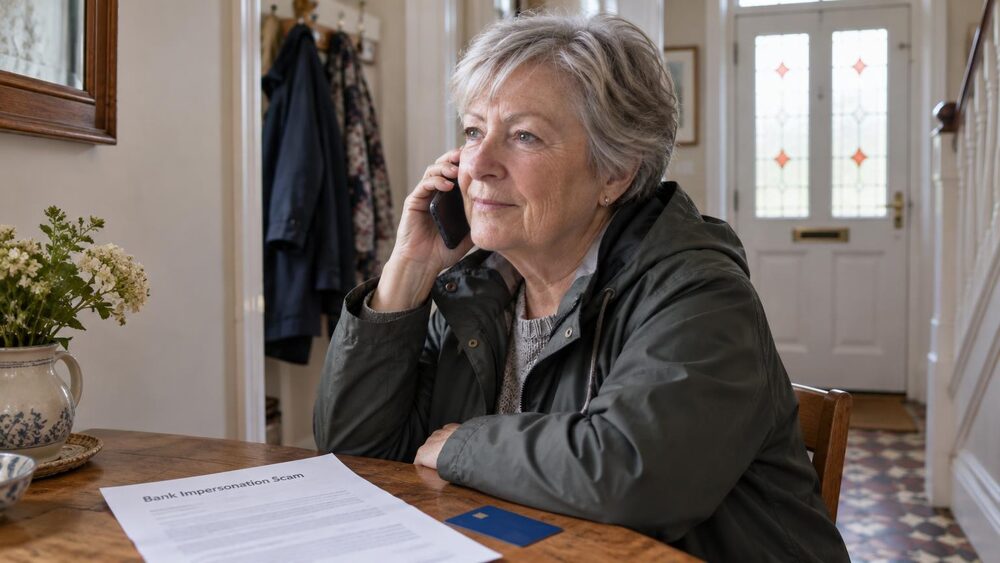
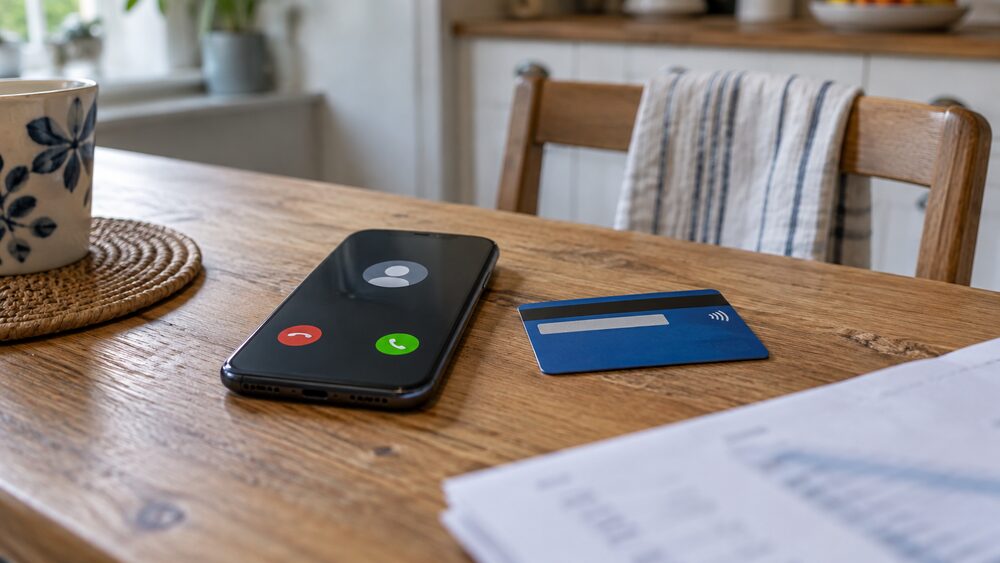
The classic passcode scam works because the code itself is genuine. Barclays describes the method: "Fraudsters call you pretending to be us, or another company you trust, and say they'll send a one-time passcode to confirm your identity. Really, they're trying to use your card details to make a fraudulent payment, and know we'll send you a code to check whether it's genuine. When you share the code with them, they use it to authorise the payment"34. The code you receive is real, from your real bank, for a real payment: it is just not yours.
The clearest warning sign is a code you did not trigger. Take Five lists "onetime passcodes you didn't request" among the warning signs of digital wallet fraud35. FSCS, the deposit protection scheme, lists the broader tells of a scam message: "inaccurate spelling and wording; a sense of urgency to act quickly; asking for bank details or passwords and being told not to tell anyone; an unfamiliar email address"36.
Other signs that a call or message is part of a passcode scam:
- A caller says they need a code to "verify your identity" or "cancel a fraudulent payment"34
- You are told to act quickly, or not to tell anyone, including your bank36
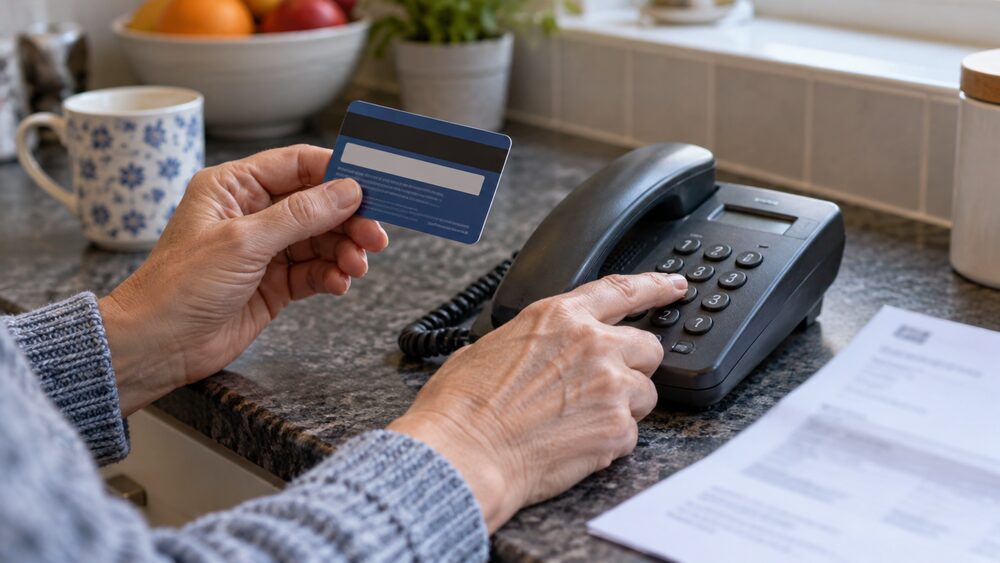
- The caller asks you to authenticate a transaction while you are still on the phone, which Arbuthnot Latham warns against: "Never provide security information (such as One Time Passcodes) or authenticate transactions whilst speaking to someone" about activity on your card37
- The caller phones you, rather than you phoning them. Age UK reminds customers that "your bank will never phone you out of the blue, ask you for your PIN number or password, or ask you to transfer money into a different account"38
If you are unsure whether a caller is genuine, hang up and contact your bank yourself using the number on your card, or use 159, the short code that connects you to your bank. Virgin Money's guidance is to be "cautious of unexpected calls asking for passcodes, hang up and call 159 if unsure"4. The dedicated pages on how to check your bank is really contacting you and calling 159 cover this in more detail, and how to spot a scam lists the wider warning signs.
If you have shared a code or received one you did not expect
An unexpected code does not always mean money has gone, but it always means someone has started something. Check first whether the code could have been triggered by you: a login on another device, a family member using a shared account, or a payment you made minutes earlier. NS&I notes that once you have entered a passcode on a trusted device, "you won't be asked to enter a one-time passcode on that device again", unless the device has had a software update, you use a different browser, you have cleared your cookies or you are browsing privately2. So a code on a device that normally remembers you can also be a sign that something has changed.
If you cannot explain the code, act quickly:
- Do not share the code with anyone, and do not enter it anywhere4
- Contact your bank immediately using the number on your card, or call 1594
- Check your account for payments or logins you do not recognise, and follow the guidance on transactions you do not recognise
- Change your online banking password, and if you used the same password elsewhere, change it there too. The Finance and Leasing Association advises: "Don't use the same password for more than one account and never use banking passwords on other websites"39
- Forward any suspicious text to 7726, the free reporting service, as covered in forwarding suspicious texts to 7726
If you have already read a code out to a caller, the payment it authorised may already have gone through. Contact your bank at once, report what happened, and follow the steps in what to do straight away if you have paid a fraudster. Because the payment was authorised with your code, the refund route is the one for authorised push payment fraud, explained in how bank transfer refunds work and how to complain to your bank about a scam refund. If you gave away card details rather than a bank transfer, see what to do if you gave your card details to a fraudster.
There is also help for people who cannot use text codes at all. The Payment Exception Service, used for some benefit payments, can send "a voucher by email" or "a text message with a unique reference number" to people who do not have a card40. If you or someone you help struggles with passcodes because of age, disability or not having a mobile, ask the provider what alternative it offers: most have a landline-call or posted-code route2, and the page on helping an older relative who has been targeted covers supporting someone through the aftermath of a scam.
Sources40 cited
- Mobile app security Ulster Bank, 2026
- Improved security NS&I, 2024
- Security checks Lloyds Bank, 2026
- Latest scams Virgin Money, 2026
- Online banking service terms and conditions Santander, 2026
- 3D Secure terms of use Bank of Ireland UK, 2026
- The Payment Services Regulations 2017 legislation.gov.uk, 2017
- FAQs 118 118 Money, 2026
- One Time Passcode Kensington Foreign Exchange, 2026
- Online service FAQs Family Building Society, 2026
- One-time passcodes Cumberland Building Society, 2026
- Bank safely: SMS one-time passcode Halifax, 2026
- Working together to keep your money safe Harrogate Building Society, 2026
- Online security codes FAQs Creation, 2026
- How we protect you RBS, 2026
- Strong Customer Authentication Ulster Bank, 2026
- Visa Secure C. Hoare & Co, 2026
- Visa Secure first direct, 2026
- What is Apple Pay Which?, 2026
- first direct customers can send cash via Facebook and WhatsApp Which?, 2019
- Business online security Danske Bank, 2026
- Protect online purchases Tesco Bank, 2026
- Types of attack HSBC, 2025
- Fraud warning AIB (NI), 2026
- Protecting yourself from fraud Bank of Scotland, 2026
- Email, text and phone fraud Barclays, 2026
- Text message fraud NatWest, 2026
- Fraud awareness first direct, 2026
- Tips to help keep your accounts safe Leeds Building Society, 2026
- Fraud guide HSBC Expat, 2026
- Type don't tap Take Five to Stop Fraud, 2026
- Card fraud Take Five to Stop Fraud, 2026
- Protect your identity nidirect, 2025
- Latest scams Barclays, 2026
- Digital wallet fraud Take Five to Stop Fraud, 2026
- Scams: what to look for FSCS, 2026
- Debit and credit card fraud Arbuthnot Latham, 2026
- Online banking Age UK, 2026
- Identity theft Finance and Leasing Association, 2026
- Payment Exception Service Turn2us, 2026

 FCA Warning ListCheck whether a firm is authorised before you deal with it
 Financial Ombudsman ServiceFree, independent help when a complaint about a firm is not put right
 Citizens AdviceFree advice on money, consumer and legal problems in England and Wales
 MoneyHelperFree, impartial money and pensions guidance, set up by government