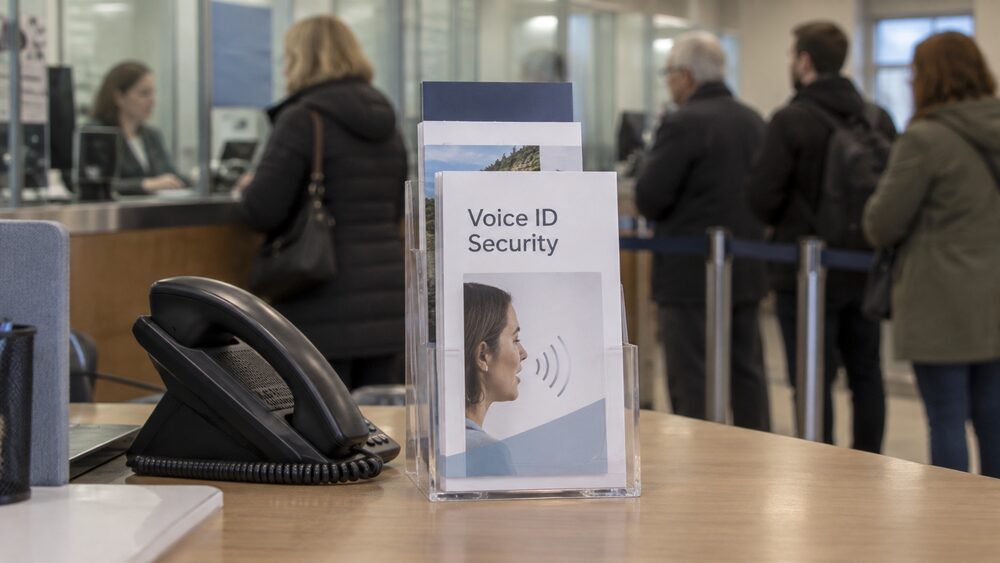
Banks no longer rely only on passwords and memorable information to check that you are who you say you are. When you phone, many now use Voice ID: a voiceprint built from the way you speak, which is checked in the few seconds it takes you to say a few words. HSBC, one of the banks best known for the system, says its Voice ID still works even when you have a general cold or sore throat, because it is the pattern of your speech that matters, not the sound of your voice on the day1.
In banking apps, the equivalent checks are the fingerprint and face recognition built into your phone. Which? reports that voice and video ID is also used by challenger and online banks such as Atom, Monzo and Starling, and that biometric log in has become a standard part of how people reach their money2. Age UK describes the typical experience: multiple steps to log in, including a text message access code from some banks, or Touch ID or Face ID using a fingerprint or face with the bank's app on a newer smartphone3.
This page explains how these checks work, how to set them up, what happens when one fails, and how to change or stop the way you verify yourself. It uses Danske Bank's Danske ID security app as a worked example of how a banking security app is set up, because the bank publishes a full step by step guide.
How Voice ID recognises you on the phone
Voice ID is a way of confirming your identity from your speech. Rather than checking only the words you say, the bank builds a voiceprint from the characteristics of how you talk, and compares each later call against it. That is why HSBC can state that the system still works when you are suffering from a general cold or sore throat: the features it measures are stable parts of your speech rather than the exact sound of your voice on a given day1.
The experience for the caller is deliberately quick. You say a few words, the check happens in the background, and you are either through to your account or passed to the bank's other security questions. Which? reported in 2017 that voice and video ID was already used by challenger and online banks such as Atom, Monzo and Starling, and the technology has spread across the market since2. Age UK notes that banks now use several layers of checking, of which voice is one, alongside text message codes and app based checks3.
Registration is usually done on the phone with the bank's own staff, who talk you through repeating set phrases until enough samples have been captured. HSBC's published information on who can use Voice ID is inconsistent: one of its pages states you must be over 18, while another states you must be over the age of 16.
A voiceprint is not a recording of a password. Because the system measures how you speak rather than only what you say, it is designed to tell your voice apart from someone else saying the same words. It is also one layer among several: a bank can still ask additional security questions, particularly for unusual requests such as setting up a new payment or changing your details.
Voice ID does not change what a bank will never ask for
Voice ID makes it faster for a genuine customer to get through, but it does not change the single most important security rule in banking. The Finance and Leasing Association states it plainly:
"Banks will never contact you to ask you for your personal identification number (PIN) or for a whole security number or password."6
Independent charities repeat the same rule in the same words. Independent Age states that your bank will never phone you to ask for your PIN number or password, or to ask you to transfer money to another account7. Which? says a bank will never ask for your PIN, or for a whole security number or password, either over the phone or via email8. Age UK adds the warning about the out of the blue call: your bank will never phone you unexpectedly, ask for your PIN or password, or ask you to move money into a different account3.
This matters more, not less, in the age of biometric checks. A scammer who cannot pass a voice check has a strong reason to try to get you to hand over something that does bypass security: your PIN, your full password, or your cooperation in moving money yourself. Independent Age's scams guidance notes that banks making genuine fraud warning calls will not ask for your account number or PIN9.
The practical rule is simple and does not change with technology. If a caller asks for a full PIN, a whole password, or a transfer of money, the call is not from your bank, whatever the caller says about security checks. Hang up, and call your bank yourself on the number printed on your card or statement. The dedicated guide to the "your account has been hacked" phone scam explains how this trick works and what to do, and stopping unwanted calls and marketing covers reducing the calls in the first place.
Fingerprint and face ID in banking apps
In an app, the biometric check is usually the one built into your phone. Touch ID reads your fingerprint; Face ID reads your face. Which? notes that phone passcodes together with fingerprint or facial recognition technology add another layer of security, and that these features are part of how phone based payments work as well as banking10.
Banks lean on these features because they are both harder to steal than a password and easier to use. Age UK describes the typical log in as multiple steps, including a text message access code from some banks, or Touch ID or Face ID with the bank's app on a newer smartphone3. Danske Bank's guidance for its Mobile Banking app includes setting up fingerprint or facial recognition as a standard step, and its support pages describe logging on with a 4 digit PIN code or biometrics, or with a fingerprint or facial recognition if you registered them11.
The biometric data itself stays on the phone in the normal arrangement. Your fingerprint or face unlocks the device, and the device then tells the banking app that its owner is present. That is why banks ask you to set a passcode on the device as well: the passcode is the fallback, and the biometric is the shortcut. Danske Bank, for example, asks customers setting up its Mobile Banking app to set a 6 digit passcode and enable biometrics, fingerprint or facial recognition, for use on that device12.
Two practical points follow. First, anyone whose fingerprint or face is registered on your phone can open the banking app, so the people you allow onto your device matter as much as the technology. Second, if the fingerprint or face check fails repeatedly, the app falls back to the PIN or passcode, so you are never locked out by a smudged sensor or bad lighting alone.
Setting up a banking security app: the Danske ID example
Some banks go further than the phone's own biometrics and use a separate security app whose only job is to confirm it is you. Danske Bank's Danske ID is a well documented example of the type, and its setup shows what is involved.
Danske ID is a security app that works alongside the bank's eBanking and Mobile Banking app. Danske Bank describes it as giving "an easier way to keep your account safe and approve payments", and it is used to log on to eBanking, set up the Mobile Banking app and approve online payments13. To access the Mobile Banking app, customers are required to use Danske ID or an eSafeID device, a physical security device14. When you log on to the Mobile Banking app for the first time, you set up Danske ID or use an existing eSafeID device, which registers the device to you15.
Before any of that, you need to be registered for eBanking: Danske Bank states you must be registered for eBanking before you can activate Danske ID, and if you do not have eBanking, you must register for it first16. The eligibility list is short: have eBanking, be a Personal Banking customer, and have a smartphone or tablet device17.
The activation itself runs in a fixed order, from downloading the app to adding a fingerprint:
The details behind the diagram come from the bank's own guides. You download the app from your phone's app store by searching for "Danske ID"18. The first screen asks you to select United Kingdom and press start19. You then choose a method to activate, either using your eSafeID device or by SMS; if activating by SMS, you check the number shown on screen and, if correct, press send to receive a text, then enter the code and press Submit19. You set up a PIN code for Danske ID, using a different 4 digit code than the one used for your eBanking passcode, and repeat the PIN to confirm18. Finally, you can add your fingerprint to log on, if available, so you do not have to enter the PIN each time18. Danske ID also requires access to your camera for QR code scanning, so the camera permission needs to be allowed before logging on19.
Once it is running, the app is used in two ways: to approve your log on to eBanking, and to approve payments. Danske Bank's support pages describe approving log on with Danske ID, and logging on in the app with a 4 digit PIN code or biometrics, then approving with a swipe on your phone20. For online card payments where retailers ask for extra approval, the bank uses either the Danske ID security app, or a password you create used alongside a six digit one time passcode sent by text21. Danske ID is also used to approve transfers of £1,000 or more in the Mobile Banking app5.
Where a security app stops working for you
A security app is convenient, but it has hard edges, and it is worth knowing them before you depend on one. The limits below are Danske Bank's own stated rules for Danske ID, and they illustrate the kind of constraints any bank's security app may carry.
| Limit | What it means |
|---|---|
| Device type | Smartphone or tablet only; cannot be used on a desktop or laptop5 |
| Operating system | Minimum iOS 15 or Android 10 on compatible devices5 |
| Devices bound | Mobile Banking app can be bound to a maximum of 3 devices5 |
| In use | Danske ID can only be used on one device at a time5 |
| Payment approval | 2 minutes to review and approve a card payment before it times out5 |
| Availability | Service may be temporarily unavailable during routine maintenance5 |
The one device at a time rule is the one that catches people out. You can bind the Mobile Banking app to up to 3 devices, but the Danske ID app itself works on only one of them at any moment5. If you replace your phone, or want to switch approval from a tablet to a phone, the app has to be moved over rather than simply installed twice.
The 2 minute approval window matters for card payments: if you do not review the details and approve in time, the payment times out and you start again5. And because the service can be unavailable during routine maintenance, it is not the only route to your money: the bank's alternatives, such as the eSafeID device or the password with a texted passcode for card payments, exist for exactly these situations21.
One reassurance is worth stating clearly. Danske Bank says Danske ID is never used to block or decline a transaction: its job is to confirm that you are the one making the payment, not to judge the payment itself15. If a payment is declined, the reason lies elsewhere, such as the funds or the card, not in the security check.
Selfie video checks for account changes
Voice and app checks are used for logging on, but banks also use face and voice checks when you want to change something about the account itself. Which? reported in February 2025 that Chase, Monzo, NatWest and Starling ask customers to pass face and voice checks, via a selfie video, to make certain account changes4. The video combines your face with your voice and some movement, which makes it harder to fool with a static photo.
These checks sit at the point where the risk is highest: changing your phone number, your address or your security settings is exactly what a fraudster wants to do once they have any foothold in your account. A selfie video is a way of making sure the person making the change is the account holder and not someone who has stolen a password.
If you cannot pass a particular check, or the method does not suit you, banks are expected to be flexible. Official guidance for guests arriving under the Homes for Ukraine scheme puts the general principle: banks and building societies are encouraged to find alternative ways to identify and verify their customers22. That principle is not limited to any one group of customers. If a biometric check does not work for you, because of a disability, a change in your appearance or your voice, or the equipment you have, ask the bank what alternative it offers. Most have fallbacks, from staff assisted checks to codes sent by post or text.
Stopping Voice ID or changing how you verify
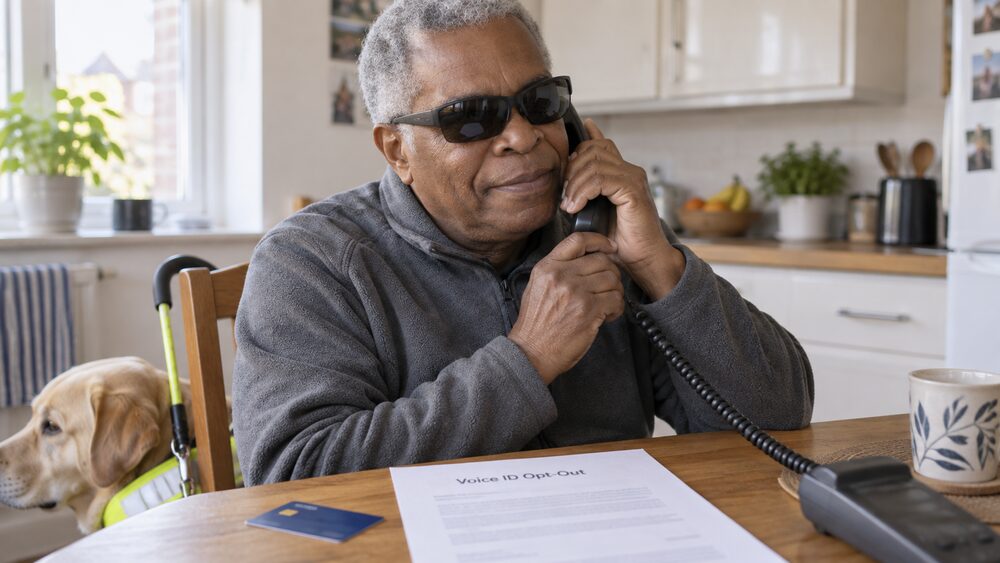
Voice ID is optional in the sense that banks offer other ways to verify you, and you can ask to change or stop the method you use. If you want to opt out of Voice ID, the dedicated guide to whether Voice ID is optional and how to opt out covers the steps, and the short answer is that you contact your bank and ask: the bank will fall back to its other security checks, typically security questions and codes.
With a security app, the same principle applies. Danske Bank offers alternatives at each point where Danske ID is used: an eSafeID device instead of the app for the Mobile Banking app14, and a password with a six digit one time passcode sent by text instead of the app for online card payments21. Choosing a different method does not close your account or reduce your protection; it changes only how the bank confirms it is you.
Reasons to change vary. Some people find a voice check unreliable because their voice changes, whether through illness, age or treatment. Some do not want a biometric record held at all, and prefer something they can reset, like a PIN. Some simply find a security app fiddly and would rather use a physical device or text codes. All are legitimate preferences, and a bank that cannot offer a workable alternative is a bank worth complaining about: writing an effective complaint and free consumer advice when a dispute stalls cover the routes.
If your reason for changing is safety, for example because someone else has learned your details or has access to your phone, say so when you contact the bank. Banks treat a security change requested for safety reasons differently from an ordinary preference, and the guide to keeping your bank account secure from an abuser covers the specific steps.
Letting someone else into your account, safely
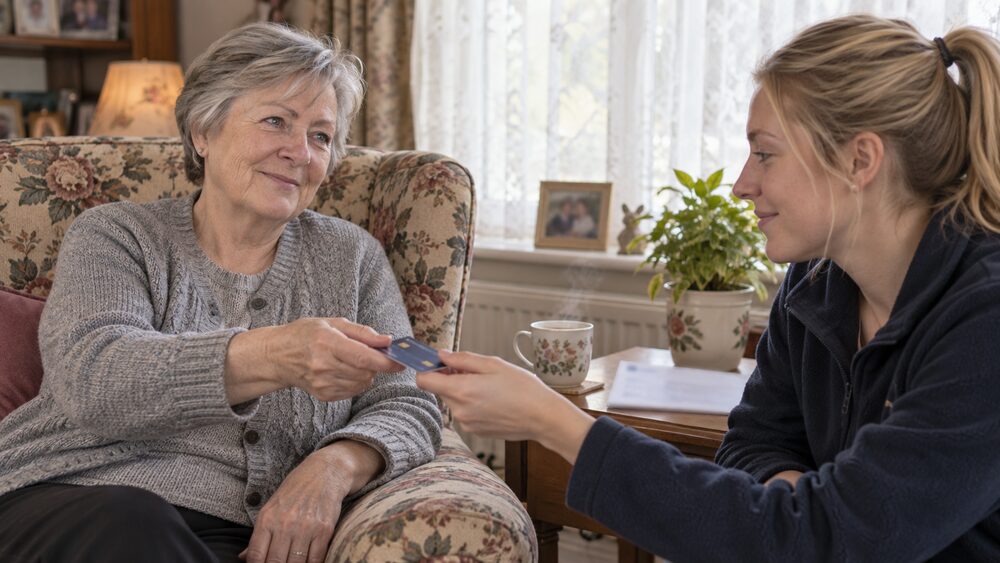
Biometric checks are personal by design: your voice, your fingerprint, your face. But many people eventually need someone else to help with their money, and there are formal, safe ways to arrange this that do not involve sharing your PIN or adding someone else's fingerprint to your phone.
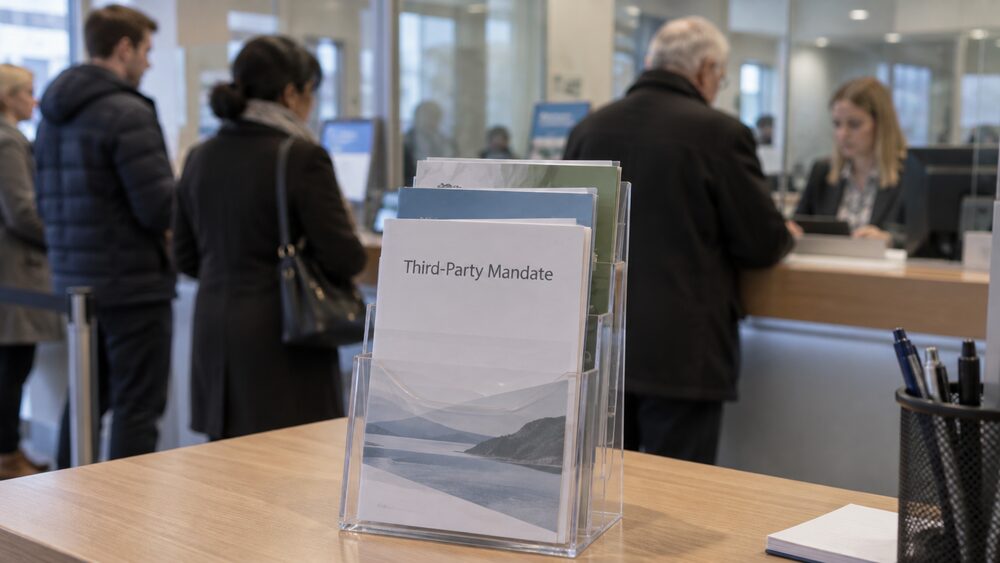
The most common route is a third party mandate. GOV.UK guidance on nominating someone to collect a State Pension notes that most banks, building societies or other account providers allow a third party access to your account, for example with a second card23. The Mental Health and Money Advice charity describes the same arrangement: you can give someone else the right to access the money in your bank or building society account by asking for a third party mandate24. The guide to third party mandates and letters of authority explains how these work, and third party mandate or power of attorney compares the two main options.
For anything bigger than helping with day to day banking, a power of attorney is usually the right instrument, because it continues to work if you lose the capacity to manage your own affairs. The guides to lasting powers of attorney, powers of attorney in Scotland and power of attorney in Northern Ireland cover the differences between the nations.
There is also a lighter option that works with the bank's own security checks: a code word. Surviving Economic Abuse notes that a code word can be added to an account, and that once it is in place the banking provider will not speak to anyone unless the code word is given25. This is designed for situations where someone might try to act on your account in your name, and it is worth asking your bank about if you are worried about coercion or about who might call pretending to be you.
What none of these routes involve is telling another person your PIN, password or the answers to your security questions. Handing those over makes the other person indistinguishable from you to the bank's systems, removes your protection against unauthorised transactions, and breaches the bank's terms. The formal routes exist precisely so that help never has to mean shared secrets. Extra support, accessibility and letting someone act for you gathers the options in one place.
When a check fails or a call feels wrong
A failed check is usually an inconvenience, not an accusation. Voices change temporarily, fingerprints fail on cold or wet fingers, face recognition struggles in poor light, and security apps time out. In each case the bank's fallback applies: security questions on the phone, a PIN or passcode in the app, or a different approval method for a payment. If a check fails repeatedly, contact the bank through a number you know is genuine, from your card or statement, and ask to re register or switch method.
The situation to treat differently is a call that feels wrong. Independent Age's scams guidance sets out the test: banks making genuine fraud warning calls will not ask for your account number or PIN9. Age UK repeats the rule that your bank will never phone you out of the blue, ask for your PIN or password, or ask you to transfer money into a different account3. A caller who presses you to act quickly, to move money to a "safe account", or to read out codes that have just arrived by text is not from your bank, whatever they know about your account or how convincing the caller ID looks.
If you have already given something away, act fast and do not feel embarrassed: this happens to careful people. Contact your bank immediately, report the call, and change any password or PIN you disclosed. The scams and fraud guide covers what to do next, including how money may be recovered and when banks must refund victims. If the bank handles your complaint badly, what to do if a company has not replied to your complaint and the free consumer advice guide cover the next steps, and in Northern Ireland the Consumer Council can help.
The habit that protects you best is small and constant: never let anyone, however plausible, rush you through a security check. Genuine checks, voice, fingerprint, face or app, are there to be taken at your pace. Anyone trying to hurry you past one is telling you something about themselves.
Sources25 cited
- Phone banking and Voice ID HSBC, 2026
- Biometric banking: how to log into your bank account with your eyes Which?, 2017
- Online banking guide Age UK, 2026
- The 5 biggest banking security threats and how to avoid them Which?, 2025
- Danske ID security app Danske Bank, 2026
- Identity theft: consumer information Finance and Leasing Association, 2026
- Making the most of your bank account Independent Age, 2026
- What is identity theft? Which?, 2026
- Scams quiz Independent Age, 2026
- What is Apple Pay? Which?, 2026
- Danske ID Mobile Bank binding guide Danske Bank, 2026
- How to log on to eBanking and apps Danske Bank, 2026
- Pay your contacts Danske Bank, 2026
- Mobile Banking app Danske Bank, 2026
- Personal security Danske Bank, 2026
- Strong customer authentication Danske Bank, 2026
- Personal online security Danske Bank, 2026
- Setup guide for eBanking Danske Bank, 2026
- Danske ID activation guide Danske Bank, 2026
- eBanking and apps passcode help Danske Bank, 2026
- Cards FAQ Danske Bank, 2026
- Supporting guests to open a bank account, Homes for Ukraine GOV.UK, 2025
- Nominate someone to collect State Pension GOV.UK, 2026
- How do I manage my money if I have to go into hospital? Mental Health and Money Advice, 2026
- Opening a new bank account safely Surviving Economic Abuse, 2023

 Citizens AdviceFree advice on money, consumer and legal problems in England and Wales
 MoneyHelperFree, impartial money and pensions guidance, set up by government
 Financial Ombudsman ServiceFree, independent help when a complaint about a firm is not put right
 GOV.UKOfficial information on tax, benefits and government services
 StepChangeFree debt advice and solutions from a charity