
A budget planner is a tool, usually a form or spreadsheet, where you write down what money comes in and what goes out, so you can see the whole picture in one place. A spending tracker does a related but narrower job: it records what you actually spend, often automatically, and sorts it into categories such as food, travel and bills. Many people use both together, a planner to decide where the money should go and a tracker to check whether it went there.
Neither has to cost anything. MoneyHelper offers a free budget planner you can use to list all your likely costs1, and the Consumer Council for Northern Ireland publishes a free downloadable budget planner you can print out if you prefer to review your spending on paper2. Most banks now build spending trackers into their own apps at no extra charge, and a range of independent apps connect to your accounts to do the same job. This page explains what each option does, how the technology behind them works, and what to check before you connect anything to your bank account.
What a budget planner and a spending tracker each do
The two tools answer different questions, and knowing which question you are asking is the first step.
A budget planner is forward-looking. You list your income, then your essential costs such as rent or a mortgage, food, energy and transport, then everything else. The point is to find out whether the numbers balance, and if they do not, by how much. Guidance on completing a household budget suggests working through your income and outgoings systematically, setting aside money for bills that arrive once a year rather than every month, and contacting an adviser if you have problems completing it9. A planner is also where you spot the things people commonly miss: irregular bills, seasonal costs and spending that only happens some months.
A spending tracker is backward-looking. It shows what you actually spent, usually sorted into categories, and often over months so you can see patterns. Some trackers are manual, meaning you type in each purchase, and some are automatic, reading the payments straight from your bank account. Automatic trackers are only as good as the categories they guess at, so it is worth reviewing them now and then: a tracker that files a supermarket shop entirely under "groceries" will not show that half of it was birthday presents.
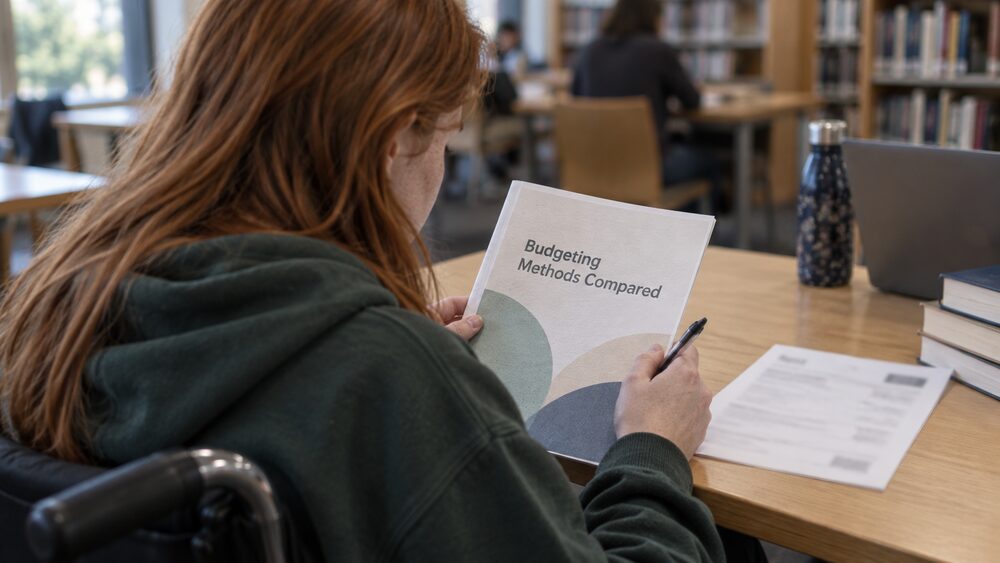
Which suits you depends on what you want to achieve. If your budget does not balance and you need to make decisions, start with a planner. If your budget balances on paper but the money never seems to last, a tracker will show where it leaks. The guides on how to make a budget and budgeting methods compared cover the planning side in more depth.
The MoneyHelper budget planner: free and government-backed
MoneyHelper is the government-backed consumer service for money and pensions guidance. It offers free, impartial guidance, it is sponsored by the Department for Work and Pensions10, and it states plainly that it will never charge anyone for its services11. Its budget planner is free to use and sits alongside its other tools and guides.
MoneyHelper was launched in June 2021, bringing together the support and services of three former government-backed financial guidance providers: the Money Advice Service, The Pensions Advisory Service and Pension Wise12. That history matters if you remember the older names, because the guidance those bodies offered now lives in one place. The Money Advice Service page explains what happened to it in full.
The service is available online, over the phone and face to face3. If you would rather talk something through than type it into a form, the helpline is 0800 138 77774, and calls to this number are free5. Webchat runs Monday to Friday, 9am to 5pm, and is closed at weekends and on bank holidays, and MoneyHelper also replies to WhatsApp messages on +44 (0)7701 342744 during the same weekday hours13. If English or Welsh is not your first language, MoneyHelper can find an interpreter to help13.
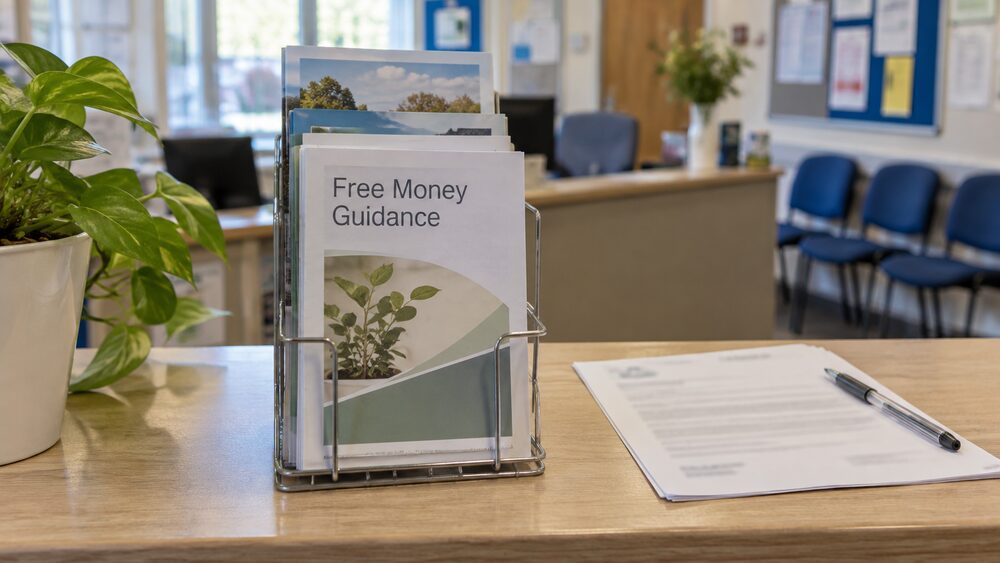
MoneyHelper offers a bilingual service, with tools and helplines in English and Welsh3, and a selection of its guides are available in English and Welsh, and in print, braille or audio format, for free3. For services in Welsh, there is a dedicated site at www.helpwrarian.org.uk and a Welsh helpline on 0800 756 101214. The page on free money guidance covers the other free sources of help, including Citizens Advice.
Spending trackers built into your banking app
Most banks and building societies now have their own smartphone and tablet apps, available in the Google Play Store for Android devices and the App Store for Apple devices, which let you check your balance and send payments15. Many of these apps include spending features as standard: they group your payments into categories, show how this month compares with last month, and flag regular payments such as subscriptions.
The advantage of your bank's own tracker is that there is nothing extra to connect. The app already has access to your account because it is the bank's app, so there is no separate permission to give and no third party involved. The disadvantage is that it only sees the accounts you hold with that bank. If your money is spread across two or three providers, each app shows only its own slice, which is where the multi-bank trackers in the next sections come in.
One caution applies to any banking app, whichever bank it belongs to: there are a lot of fake banking apps available to download, so check you are downloading the bank or building society's genuine app via its own website rather than searching an app store and picking the first result15. If your card is lost or stolen and your banking app allows it, you can freeze the card through the app to prevent criminals making withdrawals and purchases16.
Round-ups and regular saving: putting spare money aside
Some apps and cards offer "round-ups": when you buy something, the payment is rounded up to the nearest pound and the spare change is moved into a savings pot. The idea is to save small amounts without noticing, and over months the pots add up. Round-ups are a feature of certain accounts and apps rather than a separate product, so what is available depends on who you bank with.
Round-ups work best as a top-up, not as a plan. Because the amounts depend on what you happen to spend, they are unpredictable, and they cannot substitute for a deliberate amount set aside each month. Guidance on household budgets puts it in order: if you have money left over after meeting your essential living costs, it might be a good idea to pay a regular amount into a savings account9. The Money and Pensions Service makes the same point in its savings guidance, which suggests simple habits such as paying yourself first and checking your savings rate17.
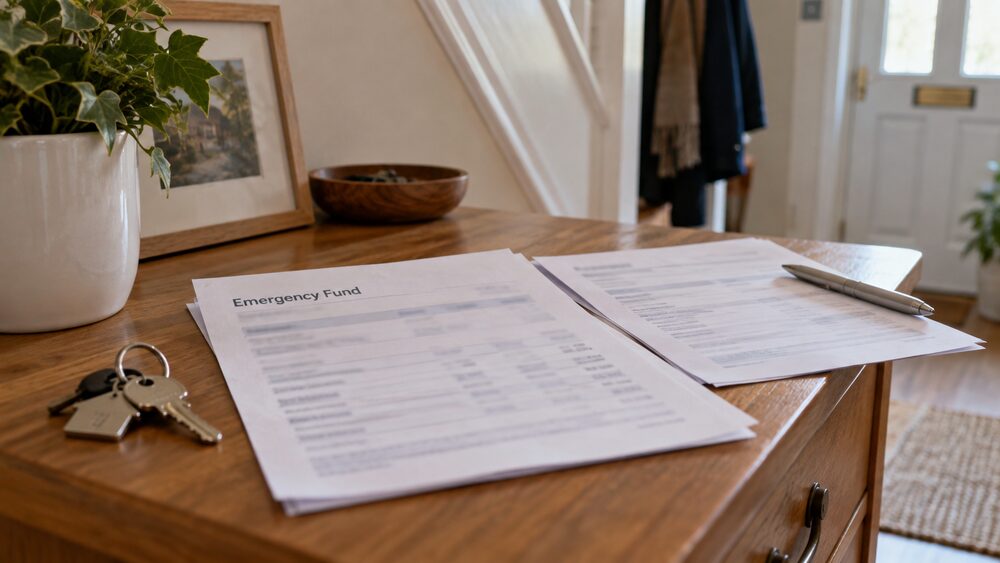
Where round-ups and regular saving both lead is an emergency fund: money set aside for the things you cannot plan for. NS&I's guide to emergency funds walks through what such a fund is for and how to think about the amount7, and the page on emergency funds covers the practical side, including whether the money should sit in a separate account. If you are also carrying debt, the comparison of an emergency fund or paying off debt first sets out the trade-off.
Tracking accounts from different banks in one place
If you hold accounts with more than one bank, a single bank's tracker only tells part of the story. Account information sharing services, such as budgeting apps and price comparison sites, let you view accounts from multiple providers in one place5. These services use open banking, described in the next section, to read your account data with your permission and combine it.
For some people, the answer to scattered accounts is not an app but a simpler structure. Guidance on household budgets notes that sometimes it is easier to cope with paying bills if you open a separate bank account, paying regular amounts into it so that direct debits and standing orders are covered automatically9. A bills account alongside a spending account is a low-tech alternative to a tracker, and the two approaches work well together.
It is also worth checking whether you have accounts you have forgotten about. If you think there may be savings in a lost bank or building society account, a search can be carried out using a free application online18. Money that surfaces this way can change the budget picture, and it costs nothing to look.
How budgeting apps use open banking to see your accounts
Open banking is the technology that lets a budgeting app read your accounts. The Financial Conduct Authority defines it as a secure and regulated way for people and businesses to share access to payments data from their bank account with trusted apps and services6. The Payment Systems Regulator describes the same thing from the payments side: open banking allows people and businesses to link their accounts with third parties offering payment services19.
The rules that matter to you as a user are about consent. Third-party providers need your explicit permission before they access your data5. That permission is not a blanket yes: when you connect an account, your bank's own screen asks you to approve the link, and the app only gets what you approved. A budgeting app reading your data is different from an app making payments from your account, which is a separate type of permission and a separate decision.
Open banking is opt-in. If you never connect an app, your account works exactly as before, and your bank does not share your data with anyone. The page on consumer protection explains the wider rules that govern firms handling your money.
Is it safe to connect a budgeting app to your bank?
Connecting a properly authorised app is a regulated activity, not a grey market. Firms offering these services must be authorised, and the system is designed so that you never hand over your login details. Your bank will never ask you for your PIN or your online account password, and neither will any trustworthy app8. Banks never ask for your full PIN or password, instead asking for specific numbers or letters, for example the first and third character15. An app that asks for your full password is breaking the model, and that is your signal to stop.
Before connecting any app, check who is behind it. The Financial Ombudsman Service advises consumers to use the Financial Conduct Authority's Firm Checker to confirm the firm is authorised and to help avoid scams21. You can check whether a provider or adviser is authorised by the PRA or FCA on the FCA register22, and for some services you can check the Financial Services Register to confirm a firm held the relevant permission23. The check takes a couple of minutes: search the firm's name as the app gives it, and confirm the permissions listed include account information services.
Beyond the checks, the practical risks are modest but real. An app with read-only access can see your spending but cannot move your money, and you can withdraw its access at any time. The bigger risk is usually the app itself asking for more than it needs, or a fake version of a genuine app, which is why downloading only via the provider's own website matters15.
Stopping an app's access to your account data
Nothing about open banking is permanent. Participating banks and building societies should provide an authorisation dashboard where you can see a list of providers with permission to access your account data, and you can withdraw permissions whenever you wish, at the press of a button5.
It is worth visiting that dashboard now and then even if you are happy with your apps. People try budgeting apps, stop using them, and forget the connection is still there. An unused app with live access to your account data is a small but unnecessary exposure, and revoking it takes seconds. If you are closing an account altogether, remember to disconnect any apps first, so nothing is left pointing at an account you no longer use.
The same principle of fast control applies inside your banking app more generally. If your banking app allows, you can freeze your card through the app to prevent criminals making withdrawals and purchases if your card is stolen or missing16. Freezing a card and withdrawing an app's data permission are both things you can do yourself, immediately, without calling anyone.
Free help if your budget does not balance
A budget planner sometimes shows a gap that will not close, and that is the point to get free help rather than a paid product. MoneyHelper is a government-backed service that can help you find a way forward if you are worried about money and finding it difficult to know where to start, including through its support for people facing cost of living pressures24. Its support and guidance are free.
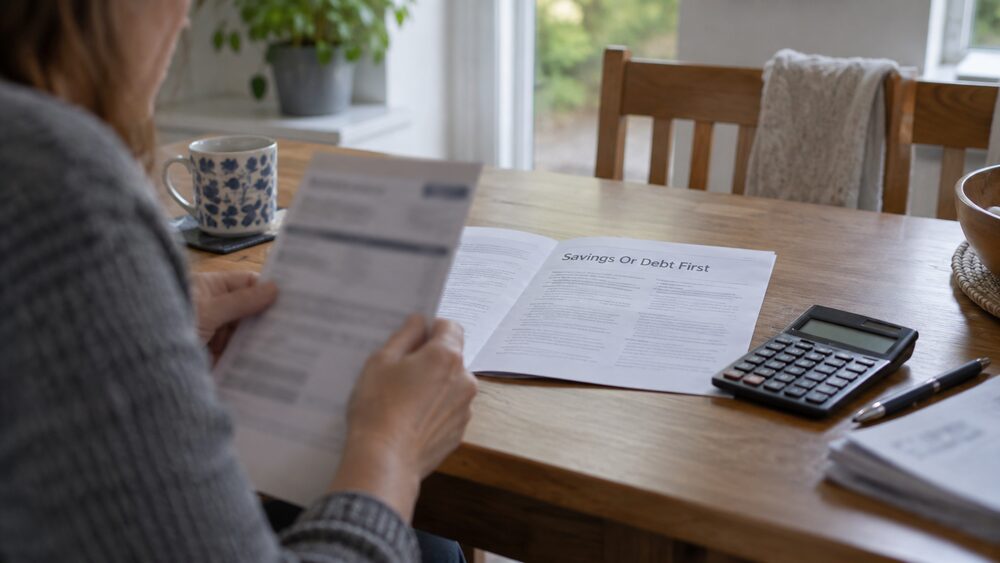
Debt advice is free too, and getting it does not damage your position. StepChange is clear that debt advice does not affect your credit score, though some debt solutions will25. That distinction matters: talking to an adviser, working through a budget and hearing your options costs nothing and changes nothing on your credit file. In Wales, the Help to Buy scheme works closely with the debt advice agency PayPlan, though you can use any free debt advice agency26. Business Debtline, which also guides households and the self-employed on budgets, invites people who have problems completing a budget simply to contact it for advice9.
Money worries and mental health often go together, and MoneyHelper publishes resources with tips on getting mental health support if you are struggling with money worries27. For people caring for someone whose money is becoming hard to manage, a needs assessment is free and can identify anything help is needed with28.
There are also parts of the system that can bridge a short-term gap. If you receive Universal Credit, you may be able to get a Budgeting Advance to help pay for emergency household costs, or for help getting a job or staying in work29. If your credit history makes an ordinary current account hard to get, basic bank accounts are free to set up and use30, and you might consider a fee-free basic bank account if you cannot get a current account, possibly because your credit rating is low or because you have no credit history31. A parliamentary commission has recommended it should be a right for customers to open a basic bank account irrespective of their financial circumstances32.
Whichever route you take, the order matters. The page on financial priorities suggests a sequence for sorting things out, and spending more than you earn tackles the specific problem of a budget with a hole in it. Help is available in every nation: see money help in Scotland, Wales and Northern Ireland.
Sources33 cited
- Make the most of your pension, MoneyHelper moneyhelper.org.uk
- Struggling to make ends meet, Consumer Council Northern Ireland consumercouncil.org.uk
- What is financial wellbeing, Money and Pensions Service moneyandpensionsservice.org.uk
- UK strategy for financial wellbeing, Money and Pensions Service maps.org.uk
- Open banking: sharing your financial data, Which?, 2026-03-06 which.co.uk
- Open banking and open finance, Financial Conduct Authority, 2026-06-02 fca.org.uk
- Emergency fund guide, NS&I nsandi.com
- Protect your identity, nidirect, 2025-10-28 nidirect.gov.uk
- Your business and household budget, Business Debtline businessdebtline.org
- Research briefing CBP-8643, House of Commons Library commonslibrary.parliament.uk
- Types of scam, MoneyHelper, 2026-09-25 moneyhelper.org.uk
- Five ways to save before Christmas, Money and Pensions Service, 2026-09-16 maps.org.uk
- Get retirement guidance, MoneyHelper moneyhelper.org.uk
- Welsh people warned not to fall for romance scams, Money and Pensions Service, 2026-01-20 maps.org.uk
- Online banking, Age UK, 2026-03-23 ageuk.org.uk
- Cash machine fraud, Take Five to Stop Fraud, 2026-09-26 takefive-stopfraud.org.uk
- Five simple ways to boost your savings, Money and Pensions Service, 2025 maps.org.uk
- Debt when someone dies, nidirect, 2026-06-26 nidirect.gov.uk
- Account to account payments, Payment Systems Regulator, 2026-09-26 psr.org.uk
- Open finance Fair By Design, 2021-07-18
- Complaints about banking and payments, Financial Ombudsman Service, 2026-09-25 financial-ombudsman.org.uk
- Protect your money, FSCS, 2026-09-25 fscs.org.uk
- Targeted support, FSCS, 2026-09-25 fscs.org.uk
- Complaints involving cost of living, Financial Ombudsman Service financial-ombudsman.org.uk
- Debt myths: true or false, StepChange, 2026-09-25 stepchange.org
- Cost of living, Welsh Government, 2026 gov.wales
- Cost of living crisis: mental health support, FSCS, 2026-09-25 fscs.org.uk
- Dementia and managing money, nidirect, 2026-09-03 nidirect.gov.uk
- Universal Credit advance payments, nidirect, 2026-05-20 nidirect.gov.uk
- Basic bank accounts, MoneyHelper, 2026-09-25 moneyhelper.org.uk
- Make your money easier to manage by yourself, MoneyHelper, 2026-09-25 moneyhelper.org.uk
- Commission recommendation on basic accounts, Parliament, 2014 publications.parliament.uk
- Considering a payday loan, StepChange stepchange.org

 MoneyHelperFree, impartial money and pensions guidance, set up by government
 Citizens AdviceFree advice on money, consumer and legal problems in England and Wales
 StepChangeFree debt advice and solutions from a charity
 Turn2usFree benefits calculator and grants search from a charity
 GOV.UKOfficial information on tax, benefits and government services